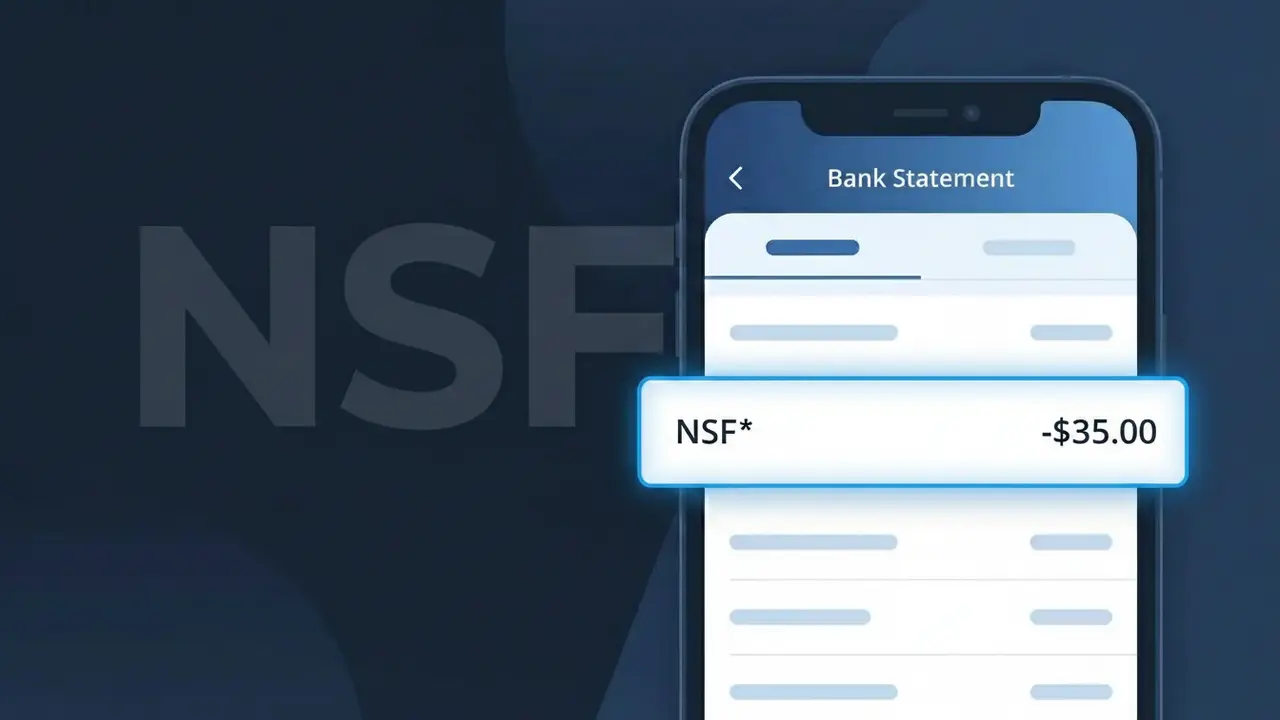
NSF* Charge (What It Is + Is It Legit?)
⚠ SuspiciousThe "NSF*" charge is from NSF Fee. Non-sufficient funds bank fee.
NSF Fee
Non-sufficient funds bank fee.
Category
Banking
Avg. Charge
$35.00
Country
US
Billing Cycle
One-time
Cancel At
N/A
Support
See website
Why this shows on your statement
When your bank assesses a Non-Sufficient Funds penalty, it typically logs the transaction internally using the standardized abbreviation "NSF" followed by an asterisk, which is why you see "NSF*" on your statement rather than a spelled-out label like "NSF Fee." The asterisk in this case acts as a truncation or wildcard marker used by core banking platforms to distinguish the fee entry from other transaction types in automated posting systems. Because this is a bank-generated fee rather than a merchant charge, it bypasses the usual merchant name fields entirely and instead pulls from internal fee code tables, producing the shorthand "NSF*" descriptor you're seeing.
What should you do?
Review the NSF* charge details
Log into your bank account and locate the NSF* or NSF Fee charge on your statement. Note the exact date, amount, and any associated transaction that may have triggered the fee, as banks sometimes apply NSF fees incorrectly or to transactions you did not authorize.
Contact your bank directly about the NSF Fee
Call the customer service number on the back of your debit or credit card and ask your bank to explain the specific NSF Fee charge labeled NSF* on your statement. Request confirmation of which transaction caused it and ask whether the fee was applied in error, since suspicious NSF Fee charges may indicate unauthorized account activity.
Dispute the NSF* charge if unauthorized
If your bank cannot clearly explain the NSF Fee or if you do not recognize the transaction that triggered it, formally dispute the NSF* charge with your bank's fraud or disputes department. Ask them to investigate and request a written confirmation of the dispute case, as unrecognized NSF fees can sometimes signal that someone else is accessing or manipulating your account.
Monitor your account and consider added protections
After flagging the suspicious NSF Fee, closely monitor your bank account for any additional unexplained NSF* charges or unusual transactions. Ask your bank about enabling overdraft alerts or account monitoring notifications, and consider changing your online banking password to prevent further unauthorized activity that could generate more NSF Fee charges.
Should you be worried?
This charge has been flagged as suspicious. If you did not authorize this charge, contact your bank immediately and file a dispute.
Is the NSF* Charge Legitimate or Fraud?
The NSF* charge appearing on your bank or credit card statement is typically a legitimate Non-Sufficient Funds (NSF) fee assessed by your bank or financial institution when a transaction is attempted but your account lacks enough funds to cover it. This fee is standard banking practice and is disclosed in your account agreement. Common reasons you may see NSF* on your statement include:
- A check you wrote was returned due to insufficient funds in your account
- An automatic payment or ACH debit was rejected because your balance was too low
- A debit card transaction was declined and your bank assessed a returned item fee
- Your bank charged a separate NSF Fee for each individual item that bounced during the same period
How to Verify the NSF* Charge
- 1
Review your bank statement details
Log into your online banking portal and locate the NSF* line item. Your bank should display the date the fee was assessed and which transaction triggered it.
- 2
Check your transaction history
Look for a returned check, rejected ACH payment, or declined debit around the same date as the NSF* charge — this is the transaction that caused the NSF Fee.
- 3
Review your account balance history
Check whether your balance dipped below zero or below your bank's minimum threshold on the date the NSF Fee was triggered to confirm the charge is valid.
- 4
Check your account agreement
Locate your bank's fee schedule or account disclosure document to confirm the exact NSF Fee amount your institution charges per returned item.
- 5
Contact your bank directly
If the NSF* charge still seems unfamiliar, call the number on the back of your card and ask a representative to explain exactly which transaction caused the NSF Fee.
How to Dispute a NSF* Charge
- 1
Act quickly — timing matters
Contact your bank as soon as you notice the NSF* charge. Many banks have a limited window — often 60 days — to dispute fees, and acting fast improves your chances of a waiver.
- 2
Request a fee waiver from your bank
Call your bank's customer service and politely ask them to waive the NSF Fee. If this is your first offense or you are a long-standing customer, many banks will reverse the NSF* charge as a courtesy.
- 3
Provide supporting documentation
If you believe the NSF* charge was applied in error — for example, due to a bank processing delay — gather bank records showing your balance was sufficient and present them when disputing the NSF Fee.
- 4
Escalate to a bank manager or ombudsman
If the frontline representative refuses to remove the NSF* charge, ask to speak with a branch manager or file a formal complaint with your bank's customer advocacy team or your country's banking regulator.
Tips for Managing NSF Fee Charges
Set up low-balance alerts so you're notified before an NSF* fee is triggered by your bank.
Track all scheduled payments to avoid surprise NSF Fee charges from automatic debits.
Link a savings account as overdraft protection to prevent future NSF* charges automatically.
Align your bill due dates with your paycheck deposit date to keep your balance above the NSF Fee threshold.
Ask your bank about overdraft protection plans that replace costly NSF* fees with smaller transfer fees.
Use WhatIsThisCharge.net to identify related charges and understand other unexpected banking fees.
ℹ️ Note
Seeing NSF* on your statement can be alarming, but in most cases it is simply a standard NSF Fee applied by your bank when a payment couldn't be covered — not fraud. A quick call to your bank is often all it takes to understand the charge and, in many cases, have it waived.
Questions and answers
Was this page helpful?
Community Reports (0)
0 votesNo votes yet — be the first to report on this charge!
Have you seen this charge? Help others by voting:
Community Comments (0)
No comments yet. Be the first to share your experience!
Share your experience
Your email is only used to verify your comment and will never be shown publicly.
Search Another Charge
Popular Charges

Amazon Marketplace
AMZN MKTP US
Netflix
NETFLIX *SUBSCRIPTION
Netflix
NETFLIX.COM *
Apple
APPLE *SUBSCRIPTION
Apple
APPLE.COM/BILL
Related Charges
Need to dispute this charge?
Generate a professional dispute letter in seconds with our AI tool.
Open Charge AssistantCommunity Verified
Real user reports
Free to Use
Always free to check
Secure & Private
Your data is safe
Help Millions
48K+ charges identified