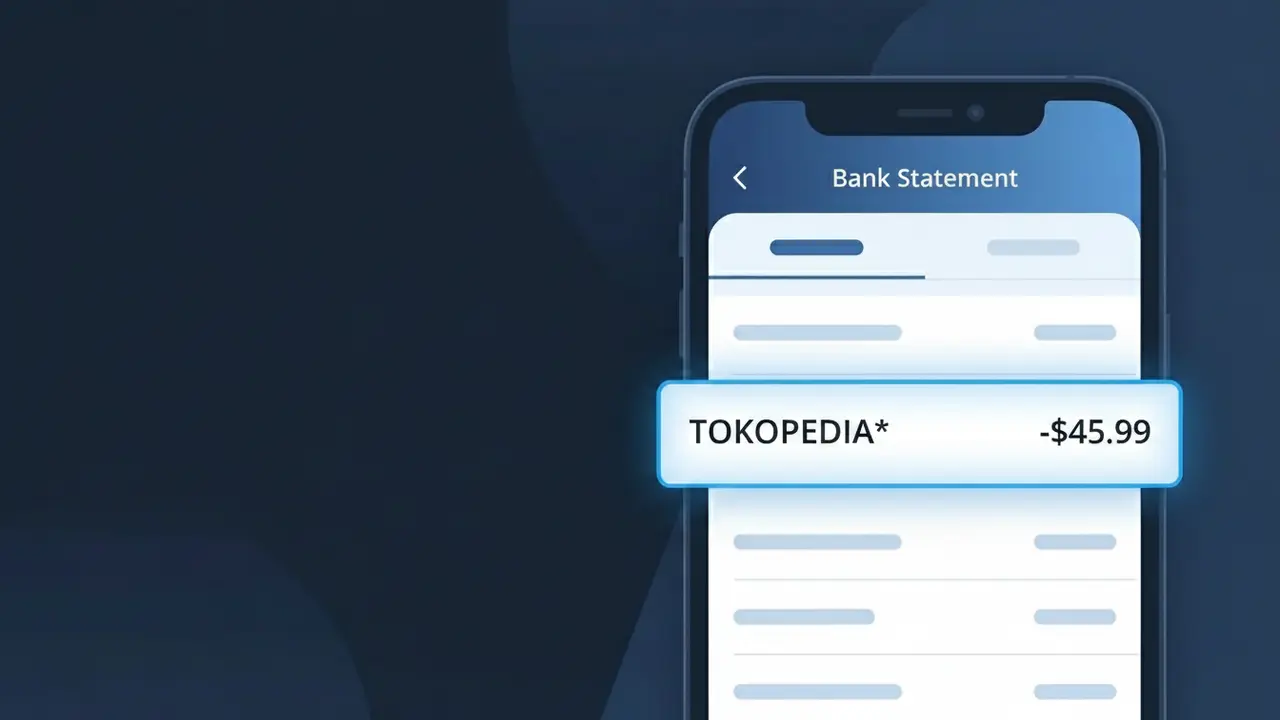
TOKOPEDIA* Charge (What It Is + Is It Legit?)
✓ LegitimateThe "TOKOPEDIA*" charge is from Tokopedia. Tokopedia online shopping Indonesia.
Tokopedia
Tokopedia online shopping Indonesia.
Category
Shopping
Avg. Charge
200000 IDR
Country
ID
Billing Cycle
One-time
Cancel At
tokopedia.com/account
Support
See website
What is this charge?
When Tokopedia processes payments through its platform, the billing system automatically appends an asterisk followed by a truncated identifier, resulting in the "TOKOPEDIA*" descriptor that appears on your bank statement. This format is a standard convention used by Indonesian e-commerce payment gateways, where the asterisk acts as a separator that can be followed by an order number or transaction reference depending on your bank's display settings. If you recently made a purchase on Tokopedia, Indonesia's largest online marketplace, a one-time charge around 200,000 IDR showing as TOKOPEDIA* is almost certainly a legitimate transaction from that shopping session.
How to handle this charge
Check Your Tokopedia Order History
Log in to your account at tokopedia.com and navigate to your order history to match the TOKOPEDIA* charge amount with a recent purchase. The date and amount should align with an order you placed on the platform.
Verify the Charge Amount
Compare the TOKOPEDIA* charge on your bank statement against your Tokopedia order confirmation emails or in-app receipts. Tokopedia will have sent you a payment confirmation that should match the exact amount billed.
Review Active Subscriptions or Recurring Payments
Visit tokopedia.com/account to check if you have any active Tokopedia Plus memberships or saved payment methods that may be generating recurring TOKOPEDIA* charges on your statement.
Manage or Cancel Tokopedia Services
If you no longer wish to be charged by Tokopedia, go to tokopedia.com/account to cancel any active subscriptions, remove saved payment methods, or deactivate services that may be triggering the TOKOPEDIA* charge on your bank statement.
ℹ️ International processing
This charge is processed in ID. You may see a foreign transaction fee from your bank (typically 1-3%).
Quick fraud check
No, this is a legitimate charge from Tokopedia. However, if you did not authorize this charge or cancelled your subscription, you may be eligible for a refund.
Is the TOKOPEDIA* Charge Legitimate or Fraud?
A TOKOPEDIA* charge on your bank or credit card statement is most commonly a legitimate transaction from Tokopedia, one of Indonesia's largest e-commerce marketplaces. The asterisk in TOKOPEDIA* is standard billing descriptor formatting used by the platform when processing payments. Before assuming fraud, consider these common reasons this charge appears:
- A recent product purchase made on the Tokopedia marketplace
- A Tokopedia subscription service such as Tokopedia Premium or TokoPoints top-up
- A digital goods purchase like a game voucher, phone credit (pulsa), or e-wallet top-up via Tokopedia
- A purchase made by a family member or household user linked to your payment method
How to Verify the TOKOPEDIA* Charge
- 1
Log into your Tokopedia account
Visit tokopedia.com or open the Tokopedia app and navigate to 'My Orders' to check if any recent purchases match the charge amount and date on your statement.
- 2
Search your email for Tokopedia receipts
Search your inbox for emails from Tokopedia using keywords like 'Tokopedia order confirmation' or 'TOKOPEDIA*' to find a matching transaction receipt.
- 3
Check household members
Ask family members or anyone who may have access to your payment method whether they made a purchase on Tokopedia that could explain the TOKOPEDIA* charge.
- 4
Review active Tokopedia subscriptions
Check your Tokopedia account settings for any active subscriptions or recurring services, such as Tokopedia Premium, that may generate periodic TOKOPEDIA* billing charges.
- 5
Contact your bank for details
If you still cannot identify the TOKOPEDIA* charge, call the number on the back of your card and ask your bank for the full merchant details and transaction timestamp to aid your investigation.
How to Dispute a TOKOPEDIA* Charge
- 1
Act within 60 days
Most banks require disputes to be filed within 60 days of the TOKOPEDIA* charge appearing on your statement, so act promptly to protect your right to a chargeback.
- 2
Contact Tokopedia customer support first
Reach out to Tokopedia's customer service via the app's Help Center or at tokopedia.com/help. Provide the charge amount and date — many billing errors are resolved directly and quickly by Tokopedia.
- 3
File a chargeback with your bank
If Tokopedia does not resolve the issue, contact your bank or card issuer to initiate a formal chargeback dispute for the TOKOPEDIA* charge, citing unauthorized or unrecognized transaction.
- 4
Request a new card number
If the TOKOPEDIA* charge is confirmed fraudulent and your card details were compromised, ask your bank to cancel your card and issue a new one to prevent further unauthorized charges.
Tips for Managing Tokopedia Charges
Enable Tokopedia app notifications so every purchase generates an instant alert matching any TOKOPEDIA* charge on your statement.
Save your Tokopedia order confirmation emails to easily cross-reference TOKOPEDIA* charges against your bank statement each month.
Secure your Tokopedia account with a strong, unique password and enable two-factor authentication to prevent unauthorized purchases.
Note the billing dates of any Tokopedia subscriptions so recurring TOKOPEDIA* charges won't catch you off guard on your statement.
Use a dedicated virtual card for Tokopedia purchases to limit exposure if your payment details are ever compromised.
Use WhatIsThisCharge.net to identify any other related or unfamiliar charges appearing alongside TOKOPEDIA* on your statement.
ℹ️ Note
In most cases, a <strong>TOKOPEDIA*</strong> charge is completely legitimate and simply reflects a recent purchase or subscription on the Tokopedia marketplace — checking your order history in the Tokopedia app will usually clear up the mystery in seconds.
Frequently Asked Questions
Was this page helpful?
Community Reports (0)
0 votesNo votes yet — be the first to report on this charge!
Have you seen this charge? Help others by voting:
Community Comments (0)
No comments yet. Be the first to share your experience!
Share your experience
Your email is only used to verify your comment and will never be shown publicly.
Search Another Charge
Popular Charges
Shopee Indonesia
SHOPEE ID*
Gojek Indonesia
GOJEK*
Grab Indonesia
GRAB ID*
DANA Indonesia
DANA*
Telkom Indonesia
TELKOM INDONESIA
Related Charges
Need to dispute this charge?
Generate a professional dispute letter in seconds with our AI tool.
Open Charge AssistantCommunity Verified
Real user reports
Free to Use
Always free to check
Secure & Private
Your data is safe
Help Millions
48K+ charges identified