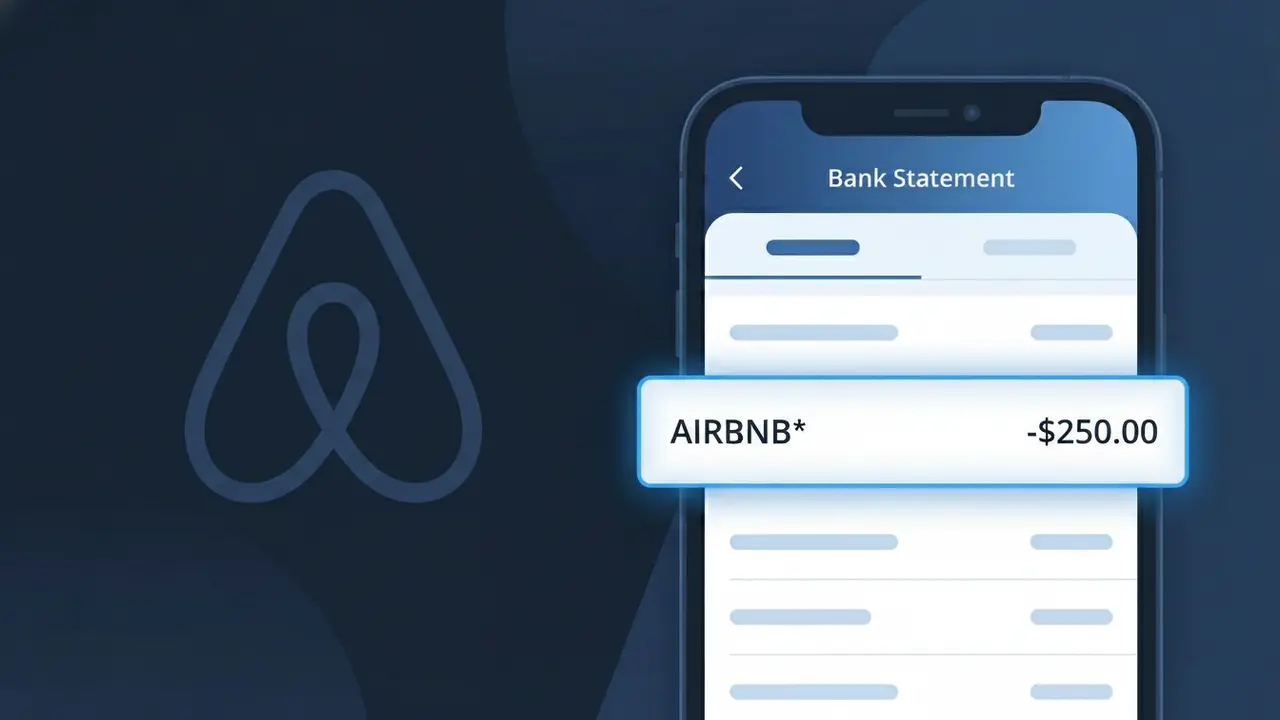
AIRBNB* Charge (What It Is + Is It Legit?)
✓ LegitimateThe "AIRBNB*" charge is from Airbnb. Airbnb accommodation booking charge.
Airbnb
Airbnb accommodation booking charge.
Category
Travel
Avg. Charge
$120.00
Country
US
Billing Cycle
One-time
Cancel At
airbnb.com/trips
Support
See website
What is this charge?
Airbnb processes its payments through a system that truncates the company name followed by an asterisk, a common formatting convention used by many online travel and marketplace platforms to signal a digital transaction origin. When you book accommodation through Airbnb, the charge is billed directly by Airbnb Payments, Inc., their in-house payment processing entity, which submits the descriptor "AIRBNB*" to card networks as a standardized shorthand that fits within the character limits imposed by payment processors and issuing banks. The asterisk after AIRBNB acts as a separator that can be followed by additional booking reference details depending on your bank's display format, which is why some customers see variations like "AIRBNB* BOOKING" or simply "AIRBNB*" on their statements.
How to handle this charge
Check Your Airbnb Trips
Log in to your Airbnb account and visit airbnb.com/trips to review your upcoming and past bookings. Match the charge amount on your bank statement labeled AIRBNB* with a confirmed reservation to verify it is a legitimate accommodation booking.
Review the Airbnb Booking Details
On your Airbnb trips page at airbnb.com/trips, click on the specific reservation and check the total cost breakdown. Airbnb charges can include the nightly rate, cleaning fees, and service fees, so confirm the AIRBNB* charge matches the total amount shown in your booking summary.
Check Airbnb's Payment Schedule
Visit airbnb.com and review your account's transaction history under your profile payment settings. Some Airbnb reservations are charged in installments or at specific times before check-in, so make sure the AIRBNB* charge aligns with the expected payment date for your booking.
Contact Airbnb Support If Needed
If you cannot match the AIRBNB* charge to any booking in your trips at airbnb.com/trips, reach out to Airbnb's customer support directly through airbnb.com to request clarification on the charge before considering a dispute with your bank.
Quick fraud check
No, this is a legitimate charge from Airbnb. However, if you did not authorize this charge or cancelled your subscription, you may be eligible for a refund.
ℹ️ Note
In most cases, seeing "AIRBNB*" on your statement is completely normal. Before assuming fraud, check your recent purchases — most mystery charges have a simple explanation.
Is the AIRBNB* Charge Legitimate or Fraud?
If you see AIRBNB* on your bank or credit card statement, it is most likely a legitimate charge from Airbnb, the popular online marketplace for short-term home rentals and travel experiences. Airbnb uses the merchant descriptor AIRBNB* followed by a booking reference or location name to identify transactions processed through their platform.
Common legitimate reasons you may see an AIRBNB* charge include:
- A reservation payment for a short-term rental property booked through Airbnb
- An Airbnb Experience booking, such as a guided tour or activity
- A security deposit hold placed by an Airbnb host at check-in
- A damage claim or resolution center payment processed by Airbnb after your stay
- An Airbnb service fee charged as a separate line item from the nightly rate
However, if you do not recognize the AIRBNB* charge and have not made any bookings, your card details may have been compromised. In that case, you should act quickly to verify and dispute the charge.
How to Verify the AIRBNB* Charge
- 1
Log into your Airbnb account
Visit airbnb.com or open the Airbnb app and navigate to 'Trips' and then 'Transaction History' to see all payments processed under your account that would appear as AIRBNB* on your statement.
- 2
Search your email for Airbnb receipts
Search your inbox for emails from no-reply@airbnb.com or noreply@airbnb.com. Airbnb sends booking confirmations and payment receipts that will match the AIRBNB* charge amount and date.
- 3
Check with household members or travel companions
Ask family members or anyone who may share access to your payment method whether they made an Airbnb booking, as the AIRBNB* charge could have been made by someone you know using your card.
- 4
Match the charge amount to your booking
Cross-reference the exact dollar amount of the AIRBNB* charge with your Airbnb booking total, including nightly rate, cleaning fee, and the Airbnb service fee, which are sometimes billed separately.
- 5
Contact Airbnb support directly
If you still cannot identify the AIRBNB* charge, contact Airbnb's customer support at airbnb.com/help or call their helpline and provide the charge amount and date for them to trace the transaction.
How to Dispute an AIRBNB* Charge
- 1
Act within 60 days of the charge
Most banks and card issuers require you to initiate a dispute within 60 days of the AIRBNB* charge appearing on your statement, so do not delay once you identify an unauthorized or incorrect transaction.
- 2
Contact Airbnb's Resolution Center first
Before escalating to your bank, visit airbnb.com/resolutions to open a case with Airbnb directly. Airbnb can often issue a refund for erroneous AIRBNB* charges faster than a formal chargeback process.
- 3
File a chargeback with your bank
If Airbnb does not resolve your issue within a reasonable timeframe, contact your bank or card issuer to file a formal chargeback, citing the AIRBNB* charge as unauthorized or not matching the agreed service.
- 4
Request a new card number
If the AIRBNB* charge appears to be fraudulent and you did not authorize it, ask your bank to cancel your current card and issue a new one to prevent any further unauthorized charges from appearing.
Tips for Managing AIRBNB* Charges
Enable bank transaction alerts so you are notified instantly whenever an AIRBNB* charge hits your account.
Always save your Airbnb booking confirmation emails to easily match them against any AIRBNB* charge on your statement.
Secure your Airbnb account with a strong password and two-factor authentication to prevent unauthorized bookings.
Note that Airbnb may charge your card days before check-in, so expect the AIRBNB* charge well ahead of your stay date.
Use a credit card rather than a debit card for Airbnb bookings to benefit from stronger chargeback protections.
Use WhatIsThisCharge.net to identify related charges that may appear alongside AIRBNB* on your statement.
Frequently Asked Questions
Was this page helpful?
Community Reports (0)
0 votesNo votes yet — be the first to report on this charge!
Have you seen this charge? Help others by voting:
Community Comments (0)
No comments yet. Be the first to share your experience!
Share your experience
Your email is only used to verify your comment and will never be shown publicly.
Search Another Charge
Popular Charges

Amazon Marketplace
AMZN MKTP US
Netflix
NETFLIX *SUBSCRIPTION
Apple
APPLE *SUBSCRIPTION
Netflix
NETFLIX.COM *
Apple
APPLE.COM/BILL
Need to dispute this charge?
Generate a professional dispute letter in seconds with our AI tool.
Open Charge AssistantCommunity Verified
Real user reports
Free to Use
Always free to check
Secure & Private
Your data is safe
Help Millions
48K+ charges identified