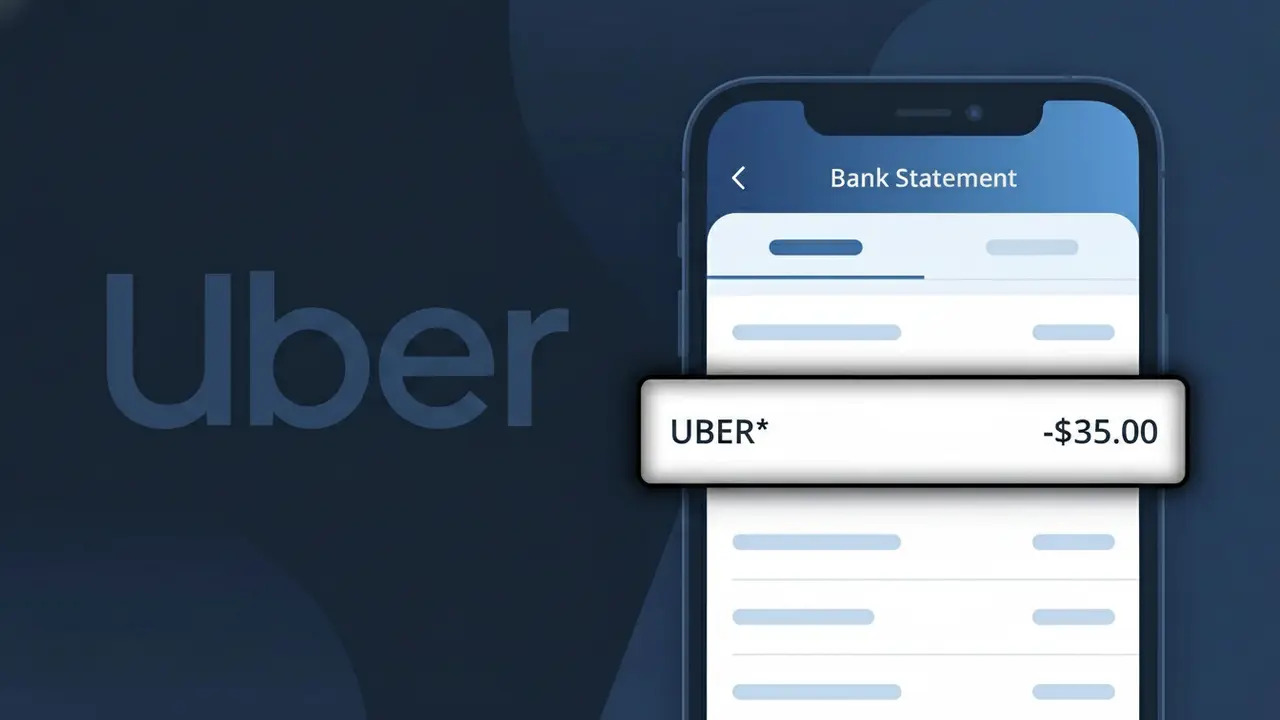
UBER* Charge (What It Is + Is It Legit?)
✓ LegitimateThe "UBER*" charge is from Uber. Uber ride or Uber Eats charge.
Uber
Uber ride or Uber Eats charge.
Category
Travel
Avg. Charge
$15.00
Country
US
Billing Cycle
One-time
Cancel At
uber.com/account
Support
See website
Understanding this descriptor
Uber uses the truncated descriptor "UBER*" on bank statements because their payment processing system appends an asterisk to distinguish individual transaction types, since a single Uber account can generate charges from multiple services including Uber rides and Uber Eats. The asterisk acts as a wildcard separator, and depending on your bank's character limit for displaying merchant names, whatever follows it — such as a trip confirmation code or "EATS" — may be cut off entirely, leaving just "UBER*" visible. This is a deliberate formatting choice tied to how Uber's billing infrastructure communicates with card networks like Visa and Mastercard rather than any attempt to obscure the charge.
Recommended actions
Check Your Uber App History
Open the Uber app and navigate to your trip or order history to match the UBER* charge on your bank statement with a specific ride or Uber Eats delivery. The amount and date should align with a recent activity in your account.
Review Your Uber Receipts
Uber sends email receipts after every ride or Uber Eats order. Search your inbox for an email from Uber dated around the time the UBER* charge appeared to confirm the transaction details and amount.
Check for Uber Subscriptions
Visit uber.com and log into your account to check if you are enrolled in Uber One or any other subscription plan that may be generating a recurring UBER* charge on your statement each month.
Manage or Cancel Your Uber Account
If you no longer use Uber or want to stop future UBER* charges, visit uber.com/account to manage your payment methods, cancel any active Uber One membership, or adjust your account settings to prevent unexpected charges going forward.
Is this charge fraudulent?
No, this is a legitimate charge from Uber. However, if you did not authorize this charge or cancelled your subscription, you may be eligible for a refund.
ℹ️ Note
In most cases, seeing "UBER*" on your statement is completely normal. Before assuming fraud, check your recent purchases — most mystery charges have a simple explanation.
Is the UBER* Charge Legitimate or Fraud?
If you see UBER* on your bank or credit card statement, it is most likely a legitimate charge from UBER, the global ride-sharing and delivery platform. UBER uses the prefix UBER* followed by additional text (such as UBER*TRIP, UBER*EATS, or UBER*PASS) to identify transactions on your statement. However, if you do not recognize the charge, it is worth investigating further.
- UBER* charges can originate from Uber rides, Uber Eats food deliveries, or Uber One membership subscriptions
- Family members or others with access to your payment method may have used your card for an Uber service
- Uber sometimes processes charges with a slight delay, so the charge date may not match your trip or order date exactly
- Fraudulent use of your card details by a third party impersonating an Uber transaction is also possible if the charge seems completely unfamiliar
How to Verify the UBER* Charge
- 1
Log into your Uber account
Open the Uber app or visit uber.com and navigate to 'Your Trips' or 'Order History' to find a transaction matching the UBER* charge amount and date on your statement.
- 2
Search your email for receipts
Look for receipt emails from Uber (no-reply@uber.com) around the date of the UBER* charge. Uber sends itemized receipts for every ride, Eats order, and subscription payment.
- 3
Check household members
Ask family members or anyone who may have access to your payment method whether they used Uber or Uber Eats recently, as their activity would still appear as UBER* on your statement.
- 4
Review your Uber One subscription
If you subscribe to Uber One, UBER* charges appear monthly or annually for the membership fee. Check your subscription status under 'Account > Uber One' in the Uber app.
- 5
Contact your bank
If you still cannot identify the UBER* charge, call the number on the back of your card and ask your bank for the full merchant descriptor and transaction details to help pinpoint the source.
How to Dispute a UBER* Charge
- 1
Act within 60 days
Most banks require you to dispute an unrecognized UBER* charge within 60 days of your statement date. Act quickly to preserve your right to a chargeback under the Fair Credit Billing Act.
- 2
Contact Uber support first
Visit help.uber.com or use the 'Help' section in the Uber app to report the unrecognized UBER* charge directly. Uber can often resolve billing errors faster than a bank dispute.
- 3
File a chargeback with your bank
If Uber does not resolve your issue within a reasonable timeframe, contact your bank or card issuer and formally dispute the UBER* charge as unauthorized or incorrect.
- 4
Request a new card number
If the UBER* charge appears to be fraudulent and linked to compromised card details, ask your bank to cancel your current card and issue a new one to prevent further unauthorized charges.
Tips for Managing UBER Charges
Enable Uber app notifications so you get an instant alert and receipt every time an UBER* charge is processed to your card.
Regularly review your Uber Eats and ride history in the app to quickly spot any UBER* charges you don't recognize.
Secure your Uber account with a strong, unique password and enable two-factor authentication to prevent unauthorized UBER* charges.
Note your Uber One billing cycle date so you expect the monthly or annual UBER* membership fee and aren't caught off guard.
Remove saved payment methods from your Uber account when not in use to reduce the risk of unexpected UBER* charges.
Use WhatIsThisCharge.net to identify related charges that appear alongside UBER* on your bank statement.
Common questions
Was this page helpful?
Community Reports (0)
0 votesNo votes yet — be the first to report on this charge!
Have you seen this charge? Help others by voting:
Community Comments (0)
No comments yet. Be the first to share your experience!
Share your experience
Your email is only used to verify your comment and will never be shown publicly.
Search Another Charge
Popular Charges

Amazon Marketplace
AMZN MKTP US
Netflix
NETFLIX *SUBSCRIPTION
Apple
APPLE *SUBSCRIPTION
Netflix
NETFLIX.COM *
Apple
APPLE.COM/BILL
Need to dispute this charge?
Generate a professional dispute letter in seconds with our AI tool.
Open Charge AssistantCommunity Verified
Real user reports
Free to Use
Always free to check
Secure & Private
Your data is safe
Help Millions
48K+ charges identified