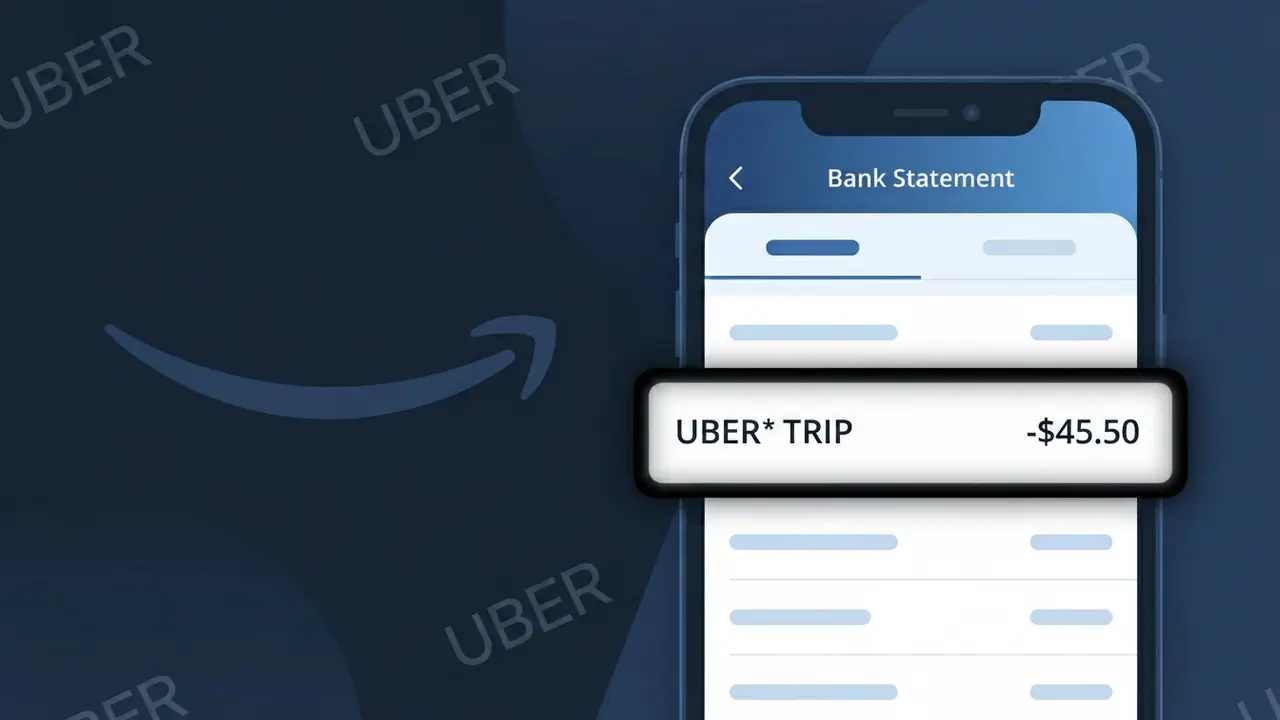
UBER* TRIP Charge (What It Is + Is It Legit?)
✓ LegitimateThe "UBER* TRIP" charge is from Uber. Uber ride-hailing trip charge.
Uber
Uber ride-hailing trip charge.
Category
Travel
Avg. Charge
$15.00
Country
US
Billing Cycle
One-time
Cancel At
uber.com/account
Support
See website
What is this charge?
Uber uses a shortened billing descriptor format across its payment processing system, which is why you see "UBER* TRIP" on your bank statement rather than the full company name. The asterisk in the descriptor is a standard formatting convention used by Uber's payment infrastructure to separate the brand name from the transaction type, helping to distinguish ride charges from other Uber services like Uber Eats or Uber Cash top-ups. If the amount aligns with a recent ride you took, this charge is completely legitimate and reflects a one-time fare processed through Uber's US billing system.
How to handle this charge
Check Your Uber Trip History
Log in to your Uber account at uber.com and navigate to your trip history to match the UBER* TRIP charge amount and date with a specific ride you took. Each trip receipt will show the exact fare breakdown.
Review the Uber Receipt Email
Uber automatically sends a receipt email after every completed trip. Search your inbox for an email from Uber around the same date as the UBER* TRIP charge to confirm the ride details, route, and total cost.
Check for Uber Surge or Tip Additions
If the UBER* TRIP amount seems higher than expected, log in at uber.com to review whether surge pricing, tolls, or a tip were added to your base fare, which can cause the final charge to differ from the initial estimate.
Manage Your Uber Payment Settings
Visit uber.com/account to review your saved payment methods and ensure your preferred card is correctly set. If you share an Uber account with family members, confirm that the UBER* TRIP charge was not made by another authorized user on your account.
Quick fraud check
No, this is a legitimate charge from Uber. However, if you did not authorize this charge or cancelled your subscription, you may be eligible for a refund.
ℹ️ Note
In most cases, seeing "UBER* TRIP" on your statement is completely normal. Before assuming fraud, check your recent purchases — most mystery charges have a simple explanation.
Is the UBER* TRIP Charge Legitimate or Fraud?
An UBER* TRIP charge on your bank or credit card statement is almost always a legitimate charge from Uber for a rideshare trip you or someone with access to your account completed. Uber processes payments shortly after each ride is completed, and the charge descriptor appears as UBER* TRIP followed by a phone number or city code.
However, if you don't recognize the charge, it could be due to one of these common reasons:
- A family member or friend used your Uber account or a linked payment method
- You took a trip and forgot about it — Uber sometimes bills hours after the ride
- A previously authorized upfront price was adjusted based on the actual route taken
- An unauthorized person gained access to your Uber account and requested a ride
- Fraudulent use of your card details linked to a separate Uber account you didn't create
Always cross-reference the charge date and amount with your Uber app ride history before assuming it is fraudulent.
How to Verify the UBER* TRIP Charge
- 1
Check your Uber ride history
Open the Uber app, tap the menu icon, and go to 'Your Trips.' Match the charge date and amount from your bank statement to a trip in your history.
- 2
Search your email for Uber receipts
Search your inbox for emails from noreply@uber.com or receipts@uber.com. Uber sends a detailed receipt after every completed trip showing the fare breakdown.
- 3
Check if household members used your account
Ask family members or anyone who may have access to your phone or Uber account if they requested a ride using your linked payment method.
- 4
Review your Uber payment settings
In the Uber app, go to Account > Wallet to see which cards are linked. If an unfamiliar card was charged, someone may have added your card to their account.
- 5
Contact Uber support
If you still can't identify the UBER* TRIP charge, contact Uber through the app under Help > Trip Issues and Adjustments to request details about the specific transaction.
How to Dispute an UBER* TRIP Charge
- 1
Act within 60 days of the charge
Most banks require disputes to be filed within 60 days of the statement date. Note the exact date and amount of the UBER* TRIP charge before taking action.
- 2
Contact Uber directly first
Open the Uber app, go to Help, find the specific trip, and select 'I was incorrectly charged.' Uber can often issue a refund faster than a bank dispute.
- 3
File a chargeback with your bank
If Uber doesn't resolve the issue, call the number on the back of your card and report the UBER* TRIP charge as unauthorized. Provide the date, amount, and any Uber case number.
- 4
Secure your Uber account
If the charge was fraudulent, immediately change your Uber password, enable two-factor authentication, and remove any unrecognized payment methods from your Uber Wallet.
- 5
Request a new card if necessary
If your card details were compromised and used on an Uber account you didn't create, ask your bank to issue a replacement card with a new number to prevent future unauthorized charges.
Tips for Managing UBER* TRIP Charges
Enable Uber push notifications so you get an instant alert every time an UBER* TRIP charge is processed on your account.
Review your Uber trip history monthly and match each UBER* TRIP charge to a corresponding bank transaction to catch errors early.
Secure your Uber account with a strong password and two-factor authentication to prevent unauthorized trips being charged to your card.
Note that UBER* TRIP charges may appear 1–2 hours after a ride ends, so don't panic if the charge doesn't appear instantly on your statement.
Use a virtual card number for your Uber account so you can easily cancel it if fraudulent UBER* TRIP charges appear without affecting your main card.
Use WhatIsThisCharge.net to identify related charges from Uber or other services that appear alongside UBER* TRIP on your statement.
Frequently Asked Questions
Was this page helpful?
Community Reports (0)
0 votesNo votes yet — be the first to report on this charge!
Have you seen this charge? Help others by voting:
Community Comments (0)
No comments yet. Be the first to share your experience!
Share your experience
Your email is only used to verify your comment and will never be shown publicly.
Search Another Charge
Popular Charges

Amazon Marketplace
AMZN MKTP US
Netflix
NETFLIX *SUBSCRIPTION
Netflix
NETFLIX.COM *
Apple
APPLE *SUBSCRIPTION
Apple
APPLE.COM/BILL
Need to dispute this charge?
Generate a professional dispute letter in seconds with our AI tool.
Open Charge AssistantCommunity Verified
Real user reports
Free to Use
Always free to check
Secure & Private
Your data is safe
Help Millions
48K+ charges identified