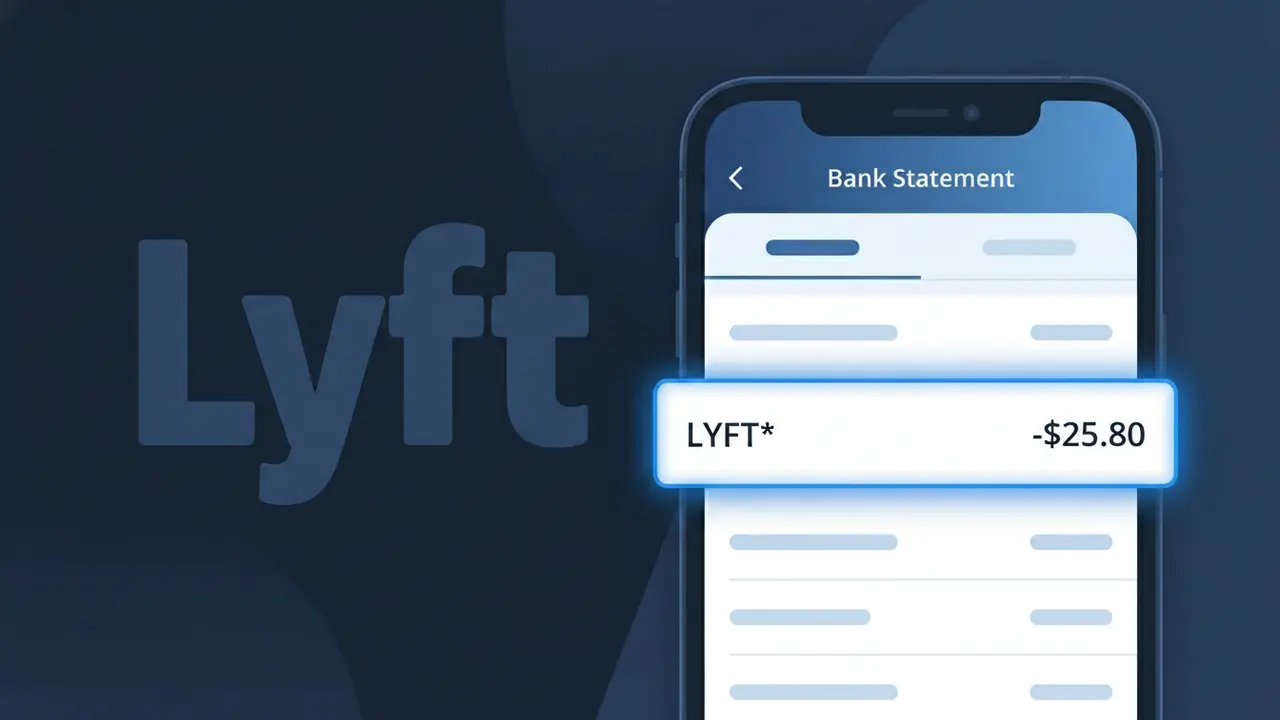
LYFT* Charge (What It Is + Is It Legit?)
✓ LegitimateThe "LYFT*" charge is from Lyft. Lyft ride-hailing trip charge.
Lyft
Lyft ride-hailing trip charge.
Category
Travel
Avg. Charge
$14.00
Country
US
Billing Cycle
One-time
Cancel At
lyft.com/account
Support
See website
Why does this charge appear?
Lyft uses the truncated descriptor "LYFT*" on bank statements because their payment processing system follows a common billing convention where the asterisk acts as a separator between the merchant name and a transaction identifier or ride reference code that follows it. This format is intentional and helps Lyft's billing infrastructure tag individual trip charges with additional tracking data while keeping the merchant name recognizable within the tight character limits imposed by card networks like Visa and Mastercard. If you see LYFT* on your statement followed by numbers or letters, it almost certainly corresponds to a specific ride you took, and the full transaction details can be confirmed by checking your ride history in the Lyft app.
Your next steps
Check Your Lyft Ride History
Log into your account at lyft.com and navigate to your ride history to match the LYFT* charge on your bank statement with a specific trip, including the date, route, and fare amount.
Review the Lyft Fare Breakdown
In the Lyft app or at lyft.com, open the specific ride receipt to confirm the charge includes any surge pricing, tips, or additional fees that may explain the exact amount shown as LYFT* on your statement.
Check for an Active Lyft Pink Membership
Visit lyft.com/account to see if you are enrolled in a Lyft Pink subscription, as recurring membership fees may also appear as LYFT* charges separate from individual ride costs.
Contact Lyft Support if the Amount Seems Off
If the LYFT* charge does not match any ride in your history or the amount looks incorrect, reach out to Lyft's support team directly through lyft.com to request a full explanation or correction of the charge.
Legitimate or scam?
No, this is a legitimate charge from Lyft. However, if you did not authorize this charge or cancelled your subscription, you may be eligible for a refund.
ℹ️ Note
In most cases, seeing "LYFT*" on your statement is completely normal. Before assuming fraud, check your recent purchases — most mystery charges have a simple explanation.
Is the LYFT* Charge Legitimate or Fraud?
If you've spotted a LYFT* charge on your bank or credit card statement, it is most likely a legitimate charge from LYFT, the popular rideshare and transportation company. LYFT processes payments using the LYFT* prefix, which is why it may look unfamiliar at first glance. However, unauthorized charges do occur, so it's worth verifying before assuming it's valid.
- LYFT* charges typically appear after completing a rideshare trip booked through the Lyft app
- LYFT* may also appear if you have an active Lyft Pink subscription (monthly membership plan)
- The charge could be a Lyft ride booked by a family member or someone who has access to your payment method
- Occasionally, LYFT* charges appear as authorization holds that are later adjusted to the final ride amount
How to Verify the LYFT* Charge
- 1
Log into your Lyft account
Open the Lyft app or visit lyft.com and navigate to your ride history. Match the date and amount of the LYFT* charge on your statement to a completed trip.
- 2
Search your email for Lyft receipts
LYFT automatically sends a receipt to your registered email after every ride. Search your inbox for emails from no-reply@lyft.com to find a matching LYFT* transaction.
- 3
Check if a household member used Lyft
If your card is saved in someone else's Lyft account, they may have used it. Ask family members or roommates whether they recently booked a Lyft ride.
- 4
Review your Lyft Pink subscription
If you signed up for Lyft Pink, LYFT* charges will appear monthly for the membership fee. Check your subscription status under 'Account' > 'Lyft Pink' in the app.
- 5
Contact your bank for details
If you still can't identify the LYFT* charge, call the number on the back of your card. Your bank can provide the exact merchant details and transaction timestamp.
How to Dispute a LYFT* Charge
- 1
Act within 60 days
Most banks require disputes to be filed within 60 days of the LYFT* charge appearing on your statement. Act quickly to preserve your right to a chargeback.
- 2
Contact Lyft support first
Visit help.lyft.com or use the 'Help' section in the Lyft app to report an incorrect or unauthorized LYFT* charge. Lyft's support team can issue refunds for legitimate billing errors faster than a bank dispute.
- 3
File a chargeback with your bank
If Lyft does not resolve the issue, contact your bank or card issuer to file a formal chargeback for the LYFT* charge. Provide your ride history or email receipts as supporting evidence.
- 4
Request a new card number
If the LYFT* charge appears to be fraudulent and unrelated to any Lyft activity, ask your bank to cancel and reissue your card to prevent further unauthorized transactions.
Tips for Managing LYFT Charges
Enable Lyft ride receipts so every LYFT* charge triggers an instant email confirmation.
Review your Lyft ride history monthly to reconcile LYFT* charges with your bank statement.
Secure your Lyft account with a strong password and two-factor authentication to prevent unauthorized rides.
Note your Lyft Pink billing date to anticipate recurring LYFT* subscription charges each month.
Use a virtual card number for Lyft payments to limit exposure if your payment info is compromised.
Use WhatIsThisCharge.net to identify related charges you may see alongside LYFT* on your statement.
Quick answers
Was this page helpful?
Community Reports (0)
0 votesNo votes yet — be the first to report on this charge!
Have you seen this charge? Help others by voting:
Community Comments (0)
No comments yet. Be the first to share your experience!
Share your experience
Your email is only used to verify your comment and will never be shown publicly.
Search Another Charge
Popular Charges

Amazon Marketplace
AMZN MKTP US
Netflix
NETFLIX *SUBSCRIPTION
Apple
APPLE *SUBSCRIPTION
Netflix
NETFLIX.COM *
Apple
APPLE.COM/BILL
Need to dispute this charge?
Generate a professional dispute letter in seconds with our AI tool.
Open Charge AssistantCommunity Verified
Real user reports
Free to Use
Always free to check
Secure & Private
Your data is safe
Help Millions
48K+ charges identified