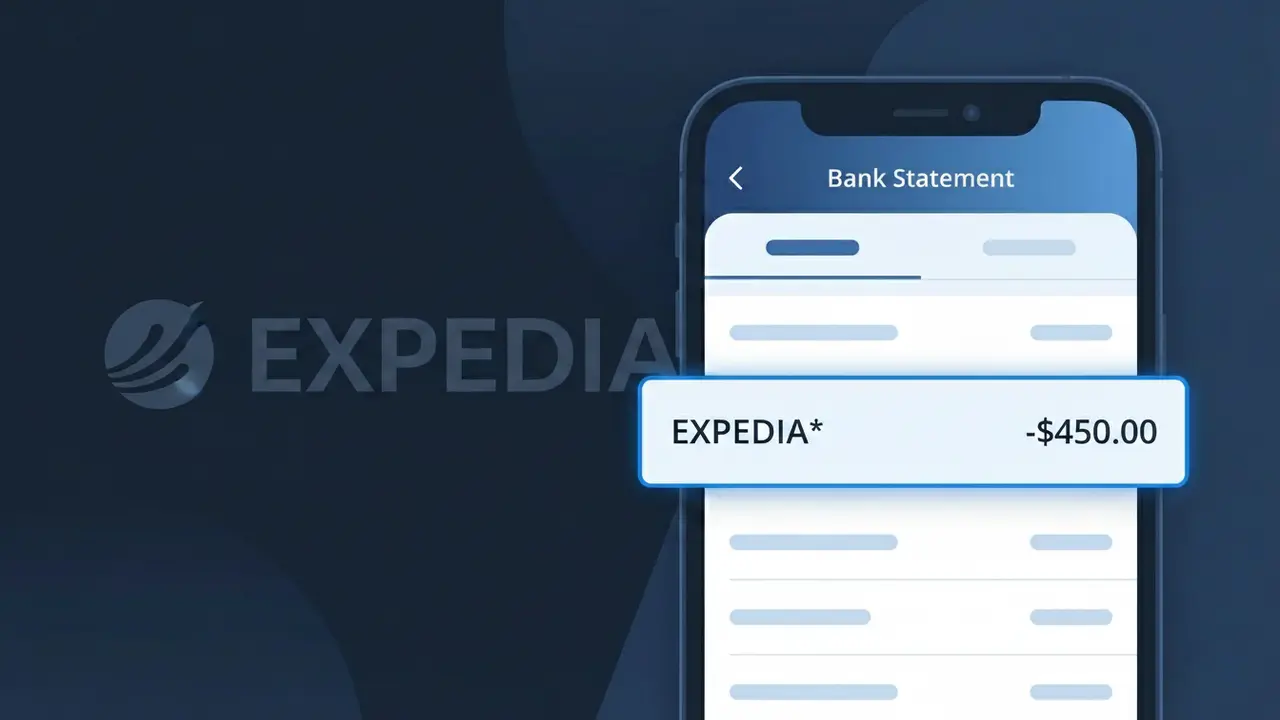
EXPEDIA* Charge (What It Is + Is It Legit?)
✓ LegitimateThe "EXPEDIA*" charge is from Expedia. Expedia travel booking charge.
Expedia
Expedia travel booking charge.
Category
Travel
Avg. Charge
$200.00
Country
US
Billing Cycle
One-time
Cancel At
expedia.com/account
Support
See website
What is this charge?
When Expedia processes a travel booking payment, their billing system automatically truncates the company name to "EXPEDIA*" on your bank statement, with the asterisk serving as a standard indicator used by many online travel platforms to signal a direct merchant charge rather than a third-party transaction. This shortened descriptor format is a common practice among high-volume travel booking platforms, where payment processors like Chase Paymentech or similar services apply character limits to merchant names in transaction records. If you recently booked a flight, hotel, or vacation package through Expedia's website or app, the "EXPEDIA*" charge on your statement is almost certainly that booking confirmation.
How to handle this charge
Check Your Expedia Bookings
Log in to your account at expedia.com and navigate to 'My Trips' to match the EXPEDIA* charge on your bank statement with a specific flight, hotel, or vacation package you recently booked.
Verify the Charge Amount
Compare the exact dollar amount of the EXPEDIA* charge against your Expedia booking confirmation email, as taxes, fees, or add-ons like travel insurance can sometimes make the final charge higher than the base price you remember.
Review or Cancel Your Booking
If you need to modify or cancel an Expedia reservation associated with this charge, visit expedia.com/account to manage your booking, check cancellation eligibility, and review any applicable refund policies before your cancellation deadline passes.
Contact Expedia If Something Looks Off
If the EXPEDIA* charge does not match any trip in your Expedia account history, contact Expedia customer support directly through expedia.com to clarify the charge before considering a dispute with your bank.
Quick fraud check
No, this is a legitimate charge from Expedia. However, if you did not authorize this charge or cancelled your subscription, you may be eligible for a refund.
How to Verify the EXPEDIA* Charge
- 1
Log into your Expedia account
Visit Expedia.com and sign in to your account. Navigate to 'My Trips' to review recent bookings and match them against the EXPEDIA* charge on your statement.
- 2
Search your email for Expedia receipts
Search your inbox for emails from noreply@expedia.com or expedia@expediamail.com. Expedia sends booking confirmations and receipts immediately after a transaction is processed.
- 3
Check if a household member made the booking
Ask family members or travel companions if they used your card to book travel through Expedia. Shared payment methods often lead to unrecognized EXPEDIA* charges.
- 4
Review your Expedia One Key+ subscription
If you enrolled in Expedia's One Key+ membership, a recurring EXPEDIA* charge will appear on your statement. Check your subscription status under your Expedia account settings.
- 5
Contact your bank for transaction details
Call the number on the back of your card and ask for the full merchant details behind the EXPEDIA* charge, including the exact transaction date and amount, to help identify the booking.
How to Dispute an EXPEDIA* Charge
- 1
Act within 60 days of the charge
Most banks require you to dispute an unauthorized EXPEDIA* charge within 60 days of it appearing on your statement. Acting quickly improves your chances of a full refund.
- 2
Contact Expedia customer support first
Reach Expedia at 1-800-319-4834 or through the Help Center at Expedia.com. Expedia can often resolve billing disputes or issue refunds faster than a formal bank chargeback.
- 3
File a chargeback with your bank
If Expedia does not resolve the issue, contact your bank or credit card issuer and formally dispute the EXPEDIA* charge. Provide any booking confirmation emails or communication with Expedia as evidence.
- 4
Request a new card number
If the EXPEDIA* charge appears to be fraudulent and your card details were compromised, ask your bank to issue a new card number to prevent additional unauthorized charges.
Tips for Managing EXPEDIA Charges
Enable bank alerts so you're notified instantly whenever an EXPEDIA* charge hits your account.
Always save your Expedia booking confirmation emails to easily match them to EXPEDIA* charges later.
Use a strong, unique password for your Expedia account to prevent unauthorized bookings charged to your card.
Note your Expedia One Key+ renewal date to avoid being surprised by recurring EXPEDIA* subscription charges.
Book Expedia travel with a credit card for stronger chargeback protection against disputed EXPEDIA* charges.
Use WhatIsThisCharge.net to identify related charges that may appear alongside EXPEDIA* on your statement.
Frequently Asked Questions
Was this page helpful?
Community Reports (0)
0 votesNo votes yet — be the first to report on this charge!
Have you seen this charge? Help others by voting:
Community Comments (0)
No comments yet. Be the first to share your experience!
Share your experience
Your email is only used to verify your comment and will never be shown publicly.
Search Another Charge
Popular Charges

Amazon Marketplace
AMZN MKTP US
Netflix
NETFLIX *SUBSCRIPTION
Netflix
NETFLIX.COM *
Apple
APPLE *SUBSCRIPTION
Apple
APPLE.COM/BILL
Need to dispute this charge?
Generate a professional dispute letter in seconds with our AI tool.
Open Charge AssistantCommunity Verified
Real user reports
Free to Use
Always free to check
Secure & Private
Your data is safe
Help Millions
48K+ charges identified