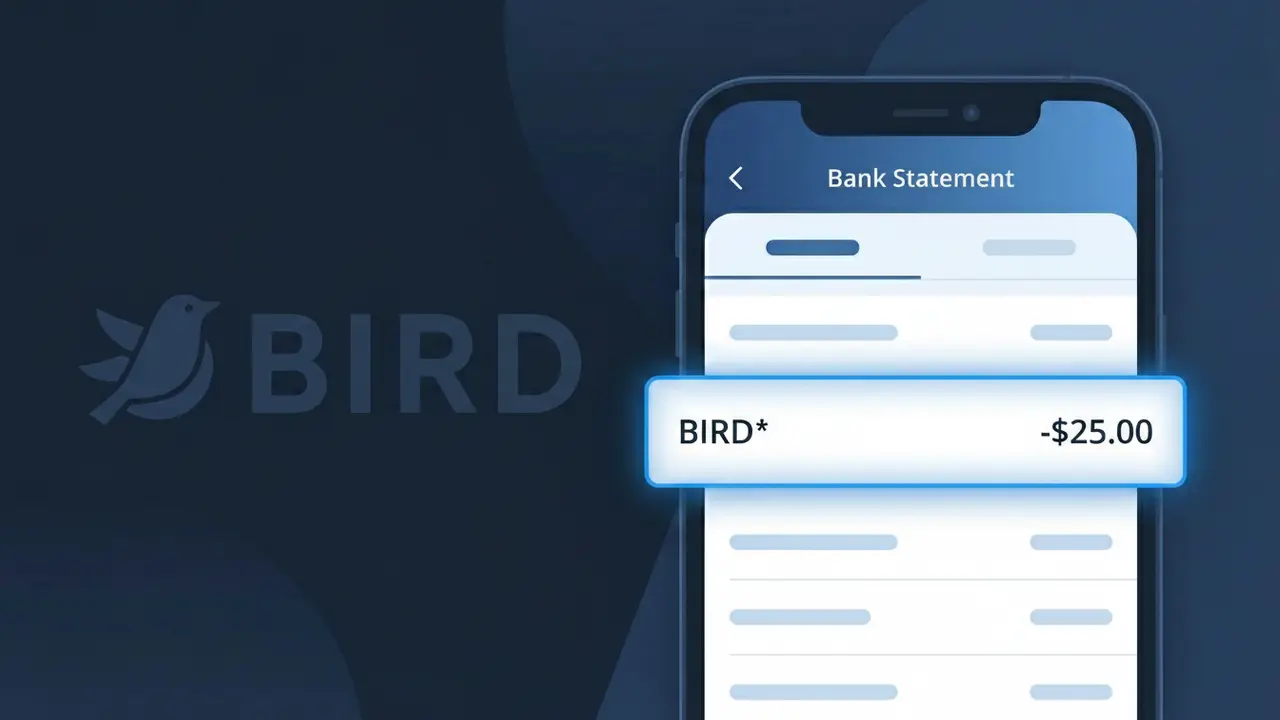
BIRD* Charge (What It Is + Is It Legit?)
✓ LegitimateThe "BIRD*" charge is from Bird Scooter. Bird electric scooter ride.
Bird Scooter
Bird electric scooter ride.
Category
Travel
Avg. Charge
$4.00
Country
US
Billing Cycle
One-time
Cancel At
bird.co/account
Support
See website
Understanding this descriptor
When Bird Scooter processes a ride payment, the company transmits a shortened version of its brand name to your bank, appearing as BIRD* followed by additional characters such as a transaction ID or city code. Bird operates through a high-volume mobile payment system that truncates merchant names to fit within the character limits imposed by card networks like Visa and Mastercard, which typically cap descriptor fields at 22 characters. The asterisk after BIRD is a standard separator used by Bird's payment processor to distinguish the brand name from the transaction detail that follows it.
Recommended actions
Check Your Bird Scooter Ride History
Log into your Bird Scooter account at bird.co and review your recent ride history. The BIRD* charge on your bank statement corresponds to an electric scooter ride, so match the charge amount and date to a specific trip in your account activity.
Verify the Charge Amount
Bird Scooter charges are based on an unlock fee plus per-minute usage, so confirm the BIRD* charge reflects the correct duration and distance of your ride. If the amount seems off, check your ride receipt in the Bird app for a detailed cost breakdown.
Manage Your Bird Scooter Account
If you want to update your payment method, review future charges, or cancel your Bird account entirely, visit bird.co/account. From there you can control your billing preferences and ensure no unexpected BIRD* charges appear in the future.
Contact Bird Scooter Support If Needed
If the BIRD* charge does not match any ride you remember taking, reach out to Bird Scooter customer support directly through bird.co before disputing with your bank. Bird can pull up account-specific ride data to help clarify or resolve any billing discrepancies quickly.
Is this charge fraudulent?
No, this is a legitimate charge from Bird Scooter. However, if you did not authorize this charge or cancelled your subscription, you may be eligible for a refund.
ℹ️ Note
In most cases, seeing "BIRD*" on your statement is completely normal. Before assuming fraud, check your recent purchases — most mystery charges have a simple explanation.
Is the BIRD* Charge Legitimate or Fraud?
If you've spotted BIRD* on your bank or credit card statement, it most likely comes from BIRD, the popular electric scooter and e-bike sharing company. BIRD operates in hundreds of cities worldwide, and the BIRD* descriptor appears when you pay for a ride or are billed for a BIRD Pass subscription.
Common legitimate reasons you might see a BIRD* charge include:
- A pay-per-ride scooter or e-bike trip completed through the BIRD app
- A recurring BIRD Pass membership or monthly subscription fee
- A ride unlock fee charged at the start of a BIRD scooter session
- A balance top-up you added to your BIRD account wallet
That said, if you don't recall using BIRD recently, it's worth investigating further — someone else may have used your saved payment method or the charge could be unauthorized.
How to Verify the BIRD* Charge
- 1
Log into your BIRD account
Open the BIRD app or visit bird.co and navigate to your ride history. Match the charge amount and date to a specific trip or wallet top-up.
- 2
Search your email for BIRD receipts
Look for emails from BIRD (noreply@bird.co or support@bird.co) that match the BIRD* charge date. BIRD typically sends a receipt after each ride or billing event.
- 3
Check for a BIRD Pass subscription
If you signed up for a BIRD Pass, monthly fees will appear as recurring BIRD* charges. Review your subscription status in the BIRD app under Account > Membership.
- 4
Ask household or family members
If your payment method is shared or saved on another device, a family member or roommate may have used BIRD and triggered the BIRD* charge unknowingly.
- 5
Contact your bank for details
Your bank can provide the exact merchant ID behind the BIRD* descriptor, including location data, which can help confirm whether the charge is legitimate.
How to Dispute a BIRD* Charge
- 1
Act within 60 days
Most banks require disputes to be filed within 60 days of the BIRD* charge appearing on your statement. Don't delay if you believe the charge is unauthorized or incorrect.
- 2
Contact BIRD support first
Reach out to BIRD directly at support.bird.co or through the in-app help center. BIRD's support team can review your account and issue a refund if the charge was an error.
- 3
File a chargeback with your bank
If BIRD support does not resolve the issue, contact your bank or credit card issuer to dispute the BIRD* charge. Provide any correspondence with BIRD as supporting evidence.
- 4
Request a new card if compromised
If you see multiple unfamiliar BIRD* charges and suspect your card details were stolen, ask your bank to cancel your current card and issue a replacement immediately.
Tips for Managing BIRD Charges
Enable ride notifications in the BIRD app so you get an alert every time a BIRD* charge is processed.
Review your BIRD ride history monthly to reconcile all BIRD* charges against your bank statement.
Secure your BIRD account with a strong password and two-factor authentication to prevent unauthorized BIRD* charges.
Note your BIRD Pass renewal date to avoid surprise recurring BIRD* charges on your billing cycle.
Remove your saved card from BIRD when not in use to reduce the risk of unexpected BIRD* charges.
Use WhatIsThisCharge.net to identify related charges that may appear alongside BIRD* on your statement.
Common questions
Was this page helpful?
Community Reports (0)
0 votesNo votes yet — be the first to report on this charge!
Have you seen this charge? Help others by voting:
Community Comments (0)
No comments yet. Be the first to share your experience!
Share your experience
Your email is only used to verify your comment and will never be shown publicly.
Search Another Charge
Popular Charges

Amazon Marketplace
AMZN MKTP US
Netflix
NETFLIX *SUBSCRIPTION
Apple
APPLE *SUBSCRIPTION
Netflix
NETFLIX.COM *
Apple
APPLE.COM/BILL
Need to dispute this charge?
Generate a professional dispute letter in seconds with our AI tool.
Open Charge AssistantCommunity Verified
Real user reports
Free to Use
Always free to check
Secure & Private
Your data is safe
Help Millions
48K+ charges identified