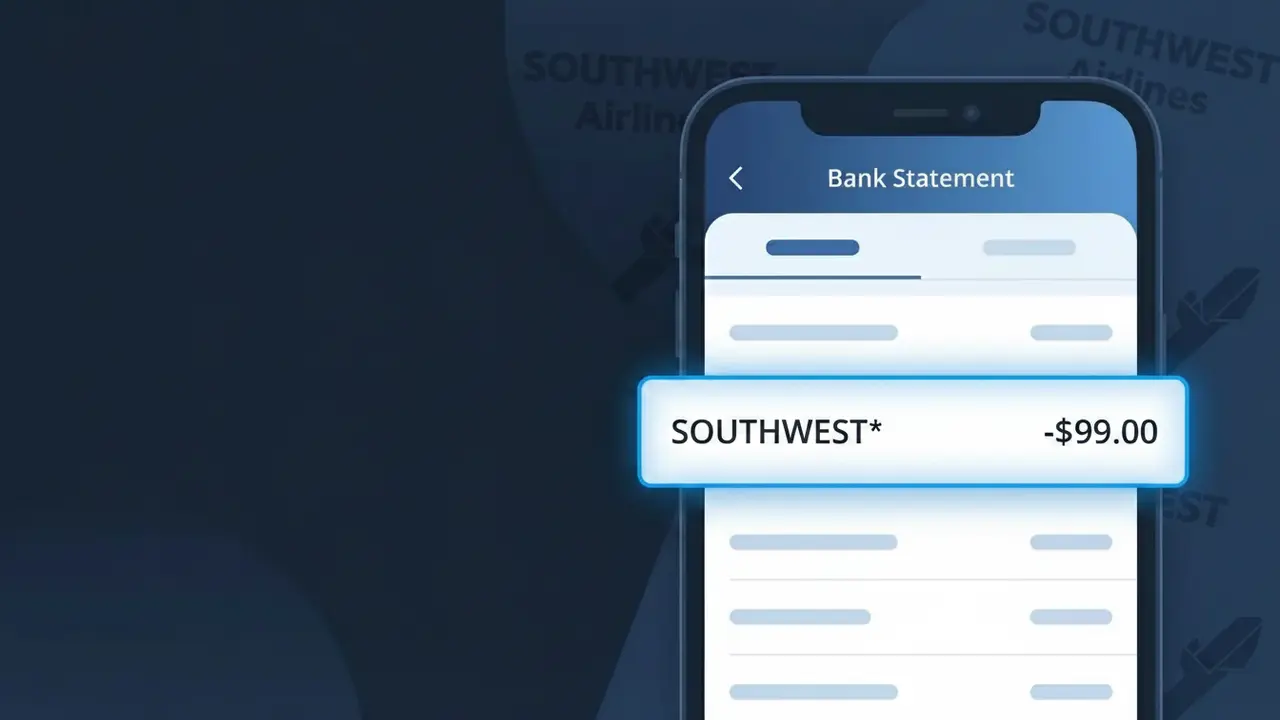
SOUTHWEST* Charge (What It Is + Is It Legit?)
✓ LegitimateThe "SOUTHWEST*" charge is from Southwest Airlines. Southwest Airlines flight ticket.
Southwest Airlines
Southwest Airlines flight ticket.
Category
Travel
Avg. Charge
$220.00
Country
US
Billing Cycle
One-time
Cancel At
southwest.com/account
Support
See website
Why this shows on your statement
Southwest Airlines uses the truncated descriptor "SOUTHWEST*" on bank statements because major airlines are required to submit transactions through standardized payment processing systems that enforce strict character limits on merchant identifiers. The asterisk following "SOUTHWEST" is a common formatting convention used by payment networks like Visa and Mastercard to signal that additional transaction detail, such as a confirmation number or route code, may follow but has been cut off due to those character restrictions. If you recently purchased a flight through Southwest Airlines' website, app, or customer service line and see "SOUTHWEST*" on your statement, this charge is almost certainly your airline ticket purchase.
What should you do?
Verify Your Southwest Booking
Log in to your Southwest Airlines account at southwest.com and navigate to your upcoming trips or booking history to confirm the SOUTHWEST* charge matches a flight ticket you purchased, including the fare amount and travel dates.
Check Your Rapid Rewards Account
Visit southwest.com and review your Rapid Rewards account activity to see if points were earned for the transaction, which can help confirm the SOUTHWEST* charge is tied to your account and not an unauthorized booking.
Review Your Travel Itinerary
Cross-reference the SOUTHWEST* charge amount on your bank statement with your confirmation email from Southwest Airlines, as flight ticket prices should match exactly including any taxes and fees collected at the time of booking.
Manage or Cancel Your Southwest Booking
If you need to modify or cancel the flight associated with the SOUTHWEST* charge, go to southwest.com/account to manage your reservation, and keep in mind Southwest Airlines allows cancellations for travel credit in most fare categories.
Should you be worried?
No, this is a legitimate charge from Southwest Airlines. However, if you did not authorize this charge or cancelled your subscription, you may be eligible for a refund.
Is the SOUTHWEST* Charge Legitimate or Fraud?
If you see SOUTHWEST* on your bank or credit card statement, it is almost certainly a legitimate charge from Southwest Airlines. This descriptor appears when Southwest processes payments for flights, upgrades, or travel-related purchases through their billing system. However, if you don't recall booking a trip, it's worth investigating further before assuming fraud.
- You or a family member recently booked a Southwest Airlines flight online or via the app
- You purchased EarlyBird Check-In, upgraded boarding, or in-flight extras through Southwest
- You redeemed or purchased Southwest Rapid Rewards points that triggered a billing event
- A travel agent or third-party service booked a Southwest Airlines ticket on your behalf
How to Verify the SOUTHWEST* Charge
- 1
Check your Southwest Airlines account
Log into your account at southwest.com and review your upcoming trips and purchase history. Any recent flight bookings or add-ons will be listed there with matching amounts.
- 2
Search your email for Southwest receipts
Look for confirmation emails from Southwest Airlines sent to your inbox or spam folder. Search for terms like 'Southwest booking confirmation' or 'noreply@southwest.com' to locate matching receipts.
- 3
Check with household members
Ask family members or travel companions whether they used your card to book a Southwest Airlines flight. Shared cards are a common reason for unexpected SOUTHWEST* charges.
- 4
Review Southwest Rapid Rewards activity
If you are a Rapid Rewards member, check your account for any recent point purchases or companion pass transactions that may have triggered the SOUTHWEST* charge.
- 5
Contact your bank
If you still cannot identify the SOUTHWEST* charge, call the number on the back of your card. Your bank can provide the exact transaction date and last four digits of the card used to help you trace it.
How to Dispute a SOUTHWEST* Charge
- 1
Act within 60 days
Report any unauthorized SOUTHWEST* charge to your bank or card issuer within 60 days of the statement date to remain eligible for a chargeback under federal consumer protection rules.
- 2
Contact Southwest Airlines first
Call Southwest Airlines customer service at 1-800-435-9792 or visit southwest.com to report the issue. Southwest may resolve refunds or errors directly and faster than a bank dispute.
- 3
File a chargeback with your bank
If Southwest Airlines cannot resolve the issue, contact your card issuer to formally dispute the SOUTHWEST* charge. Provide your confirmation number, transaction date, and any email correspondence as evidence.
- 4
Request a new card if fraud is confirmed
If the SOUTHWEST* charge is confirmed as fraudulent and your card details were compromised, ask your bank to cancel the card and issue a replacement to prevent further unauthorized transactions.
Tips for Managing Southwest Airlines Charges
Set up bank alerts to get notified instantly when a SOUTHWEST* charge hits your account.
Always save your Southwest Airlines booking confirmation email until the charge clears your statement.
Keep your Southwest Airlines Rapid Rewards account secured with a strong, unique password to prevent unauthorized bookings.
Note that EarlyBird Check-In charges from Southwest may appear days after your original booking date.
Use a credit card (not debit) for Southwest purchases — credit cards offer stronger fraud dispute protections.
Use WhatIsThisCharge.net to identify related charges from Southwest Airlines or similar travel merchants.
ℹ️ Note
In most cases, a SOUTHWEST* charge is simply Southwest Airlines billing you for a flight, EarlyBird Check-In, or travel add-on you recently purchased — checking your email for a booking confirmation is usually all it takes to put your mind at ease.
Questions and answers
Was this page helpful?
Community Reports (0)
0 votesNo votes yet — be the first to report on this charge!
Have you seen this charge? Help others by voting:
Community Comments (0)
No comments yet. Be the first to share your experience!
Share your experience
Your email is only used to verify your comment and will never be shown publicly.
Search Another Charge
Popular Charges

Amazon Marketplace
AMZN MKTP US
Netflix
NETFLIX *SUBSCRIPTION
Netflix
NETFLIX.COM *
Apple
APPLE *SUBSCRIPTION
Apple
APPLE.COM/BILL
Need to dispute this charge?
Generate a professional dispute letter in seconds with our AI tool.
Open Charge AssistantCommunity Verified
Real user reports
Free to Use
Always free to check
Secure & Private
Your data is safe
Help Millions
48K+ charges identified