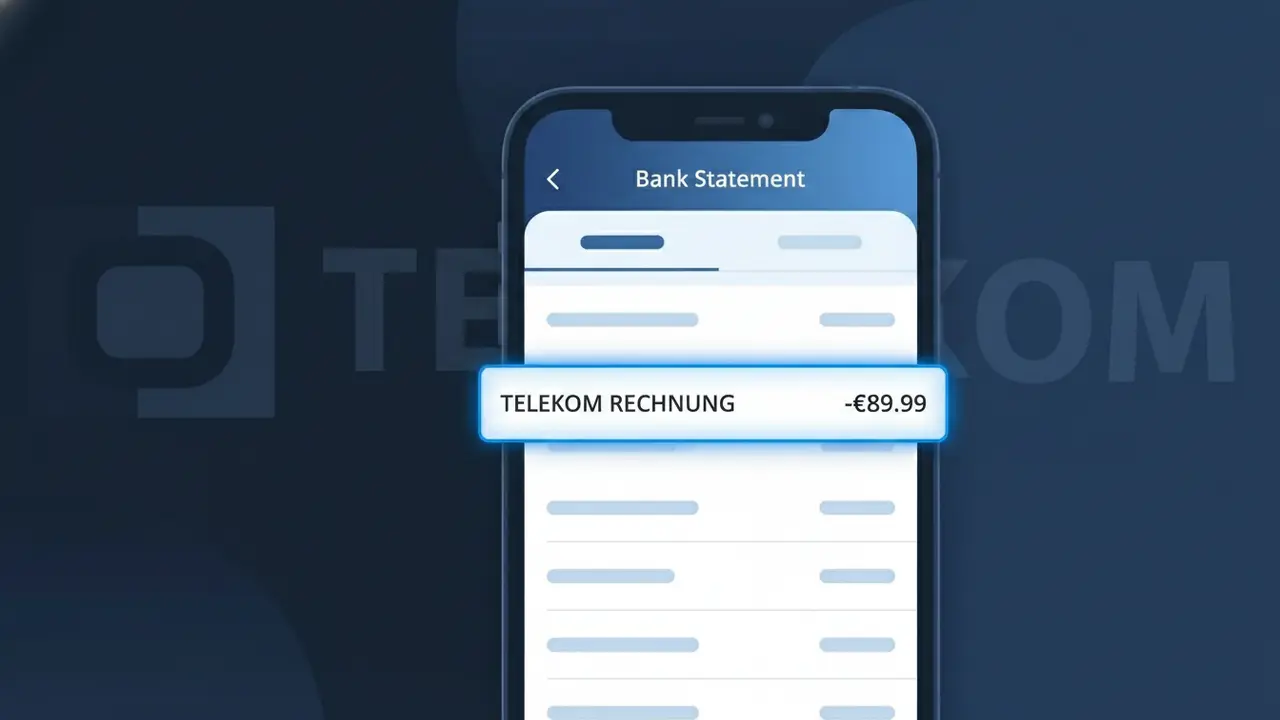
TELEKOM RECHNUNG Charge (What It Is + Is It Legit?)
✓ LegitimateThe "TELEKOM RECHNUNG" charge is from Deutsche Telekom. Deutsche Telekom monthly phone or internet bill Germany.
Deutsche Telekom
Deutsche Telekom monthly phone or internet bill Germany.
Category
Telecom
Avg. Charge
€30–€60
Country
DE
Billing Cycle
Monthly
Cancel At
telekom.de/kundencenter
Support
See website
Why this shows on your statement
Deutsche Telekom uses the shortened descriptor "TELEKOM RECHNUNG" on bank statements because "Rechnung" is the German word for "invoice" or "bill," and the company's billing system is configured to transmit this abbreviated label rather than the full corporate name when processing monthly subscription payments. German telecoms commonly format charge descriptors this way to comply with domestic banking character limits while making the payment purpose immediately recognizable to German-speaking customers. If you see TELEKOM RECHNUNG on your statement for €30–€60, it is almost certainly your regular Deutsche Telekom monthly charge for a mobile, landline, or broadband internet contract.
What should you do?
Confirm Your Deutsche Telekom Plan
Log in to your Deutsche Telekom customer account at telekom.de and navigate to your current contract or plan details. Verify that the amount charged as TELEKOM RECHNUNG matches your expected monthly fee for your phone or internet service in Germany.
Review Your Telekom Invoice
Inside your Deutsche Telekom account at telekom.de, locate your latest Rechnung (invoice) under the billing section. Check the itemized charges to ensure the TELEKOM RECHNUNG amount reflects only the services you have subscribed to, with no unexpected add-ons or overages.
Manage or Cancel Your Subscription
If you no longer wish to continue your Deutsche Telekom service or want to adjust your plan, visit the Kundencenter at telekom.de/kundencenter. From there you can modify your contract, downgrade your plan, or initiate a cancellation to stop future TELEKOM RECHNUNG charges.
Contact Deutsche Telekom Support if Needed
If the TELEKOM RECHNUNG charge amount does not match your expected bill or you notice a discrepancy after reviewing your invoice, contact Deutsche Telekom customer service directly through telekom.de. Have your account number and the specific charge amount ready to resolve any billing issues quickly.
How to cancel Deutsche Telekom
Deutsche Telekom bills you Monthly. To stop future charges, cancel from your account directly.
Cancel at Deutsche Telekomℹ️ International processing
This charge is processed in DE. You may see a foreign transaction fee from your bank (typically 1-3%).
Should you be worried?
No, this is a legitimate charge from Deutsche Telekom. However, if you did not authorize this charge or cancelled your subscription, you may be eligible for a refund.
Is the TELEKOM RECHNUNG Charge Legitimate or Fraud?
A TELEKOM RECHNUNG charge on your bank statement is almost certainly a legitimate billing from Deutsche Telekom, Germany's largest telecommunications provider. "Rechnung" simply means "invoice" in German, so this entry represents a standard monthly bill for services such as mobile, broadband, or landline plans. If you or someone in your household holds a Deutsche Telekom contract, this charge is expected and genuine.
- Deutsche Telekom bills millions of customers monthly under the TELEKOM RECHNUNG descriptor
- The charge covers mobile (Magenta Mobil), DSL, fiber, or bundled home contracts
- It may appear in varying amounts depending on your plan tier, add-ons, or one-time fees
- Deutsche Telekom is a publicly listed, regulated company — not a fraudulent merchant
How to Verify the TELEKOM RECHNUNG Charge
- 1
Log into your Deutsche Telekom account
Visit telekom.de and sign in to your MeinMagenta account. Navigate to 'Meine Rechnungen' to view all recent TELEKOM RECHNUNG invoices and confirm the billed amount matches your statement.
- 2
Search your email inbox
Look for emails from Deutsche Telekom (rechnung@telekom.de or similar) containing your monthly invoice PDF. The invoice total should match the TELEKOM RECHNUNG amount on your bank statement exactly.
- 3
Check household or family members
Ask other members of your household whether they hold a Deutsche Telekom contract linked to your shared bank account or payment method, as family plans are common with Telekom.
- 4
Review your active Deutsche Telekom subscriptions
In your MeinMagenta account, check all active contracts including mobile, DSL, TV, and StreamOn add-ons, which could all contribute to the total TELEKOM RECHNUNG amount.
- 5
Contact your bank for transaction details
Ask your bank for the full merchant reference number associated with the TELEKOM RECHNUNG charge. This can help you match it to a specific Deutsche Telekom contract or invoice number.
How to Dispute a TELEKOM RECHNUNG Charge
- 1
Act promptly — within 60 days
Most banks require you to raise a dispute within 60 days of a suspicious TELEKOM RECHNUNG charge appearing on your statement. Document the charge date and amount before contacting anyone.
- 2
Contact Deutsche Telekom customer service first
Call Deutsche Telekom at 0800 330 1000 (free from German landlines) or use the MeinMagenta app chat. Explain the unexpected TELEKOM RECHNUNG charge — billing errors can often be resolved directly and quickly.
- 3
File a chargeback with your bank
If Deutsche Telekom cannot resolve the issue, contact your bank and request a formal chargeback. Provide the TELEKOM RECHNUNG transaction details, the date, and any communication you had with Deutsche Telekom as supporting evidence.
- 4
Request a new payment card if fraud is suspected
If you do not have any Deutsche Telekom contract and the TELEKOM RECHNUNG charge is completely unrecognized, request a replacement card from your bank immediately to prevent further unauthorized charges.
Tips for Managing Deutsche Telekom Charges
Enable TELEKOM RECHNUNG email alerts in MeinMagenta so you're notified the moment each invoice is issued.
Download and store your Deutsche Telekom PDF invoices monthly for easy reconciliation with your bank statement.
Keep your MeinMagenta login credentials secure and enable two-factor authentication to protect your Deutsche Telekom account.
Note your Deutsche Telekom billing date — TELEKOM RECHNUNG charges typically appear on the same date each month for easy tracking.
Set a bank transaction alert for amounts matching your Telekom plan so unexpected TELEKOM RECHNUNG charges are flagged instantly.
Use WhatIsThisCharge.net to identify related Deutsche Telekom charges or other unfamiliar telecom billing descriptors.
ℹ️ Note
In most cases, a TELEKOM RECHNUNG charge is simply your regular monthly invoice from Deutsche Telekom — completely expected if you hold a Magenta mobile, DSL, or home contract. A quick login to MeinMagenta at telekom.de will confirm the charge within minutes.
Questions and answers
Was this page helpful?
Community Reports (0)
0 votesNo votes yet — be the first to report on this charge!
Have you seen this charge? Help others by voting:
Community Comments (0)
No comments yet. Be the first to share your experience!
Share your experience
Your email is only used to verify your comment and will never be shown publicly.
Search Another Charge
Popular Charges

Amazon Deutschland
AMAZON DE*
Netflix Deutschland
NETFLIX DE
Zalando
ZALANDO*
Spotify Deutschland
SPOTIFY DE
Deutsche Bahn
DB BAHN TICKET
Related Charges
Need to dispute this charge?
Generate a professional dispute letter in seconds with our AI tool.
Open Charge AssistantCommunity Verified
Real user reports
Free to Use
Always free to check
Secure & Private
Your data is safe
Help Millions
48K+ charges identified