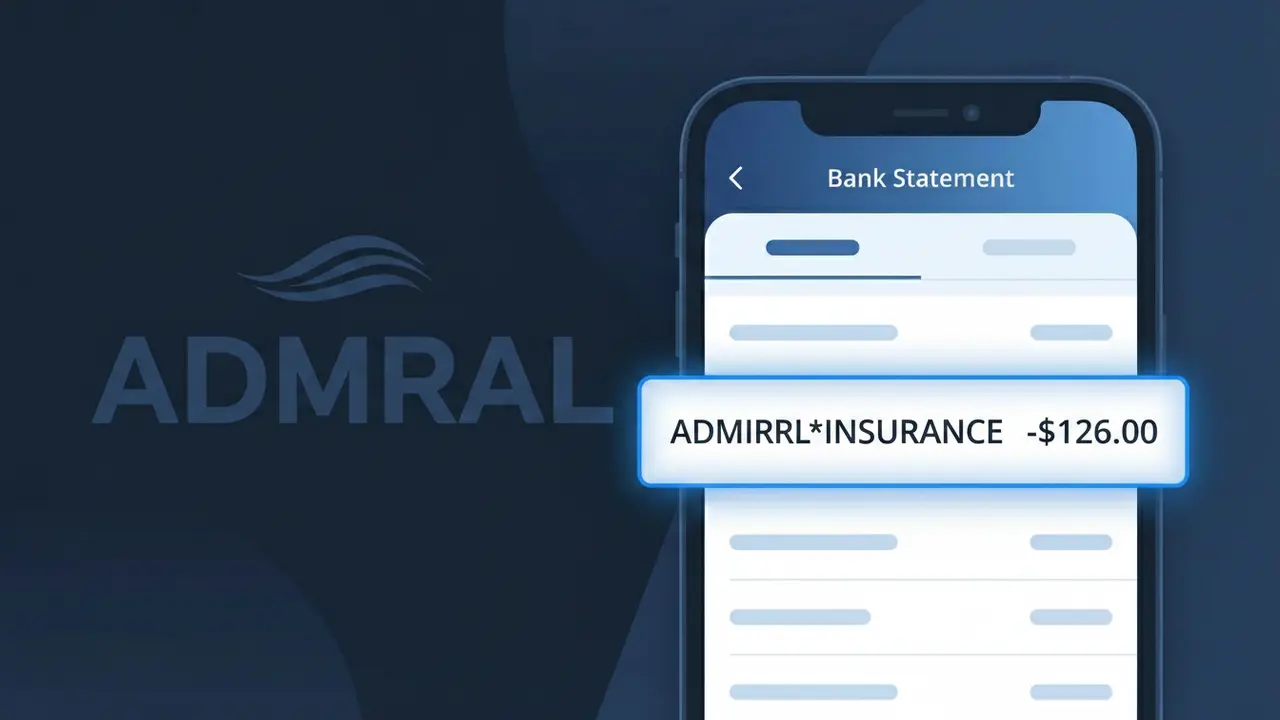
ADMIRAL*INSURANCE Charge (What It Is + Is It Legit?)
✓ LegitimateThe "ADMIRAL*INSURANCE" charge is from Admiral Insurance. Common UK car and home insurance charge. Admiral often bills under various brand names like Elephant or Diamond.
Admiral Insurance
Common UK car and home insurance charge. Admiral often bills under various brand names like Elephant or Diamond.
Category
Insurance
Avg. Charge
Variable
Country
GB
Billing Cycle
Monthly/Annual
Cancel At
admiral.com/contact-us
Support
See website
What is this charge?
Admiral Insurance uses the truncated descriptor format ADMIRAL*INSURANCE on bank statements because of how card payment processors handle merchant identifiers, where the asterisk acts as a separator between the brand name and the service category to help customers recognise the charge type at a glance. Admiral Group operates several sub-brands across the UK, including Elephant Auto and Diamond Car Insurance, and billing may sometimes appear under these alternative names rather than the main Admiral label depending on which brand you purchased your policy through. If you see ADMIRAL*INSURANCE on your statement, it almost certainly relates to a car or home insurance premium payment, either as a monthly direct debit instalment or an annual renewal charge processed through Admiral's centralised billing system.
How to handle this charge
Confirm your Admiral policy
Log in to your Admiral Insurance account at admiral.com to check your active policies. The ADMIRAL*INSURANCE charge on your statement is a common billing descriptor for Admiral car or home insurance premiums, so verify it matches your policy renewal date and premium amount.
Check for Admiral sub-brands
Admiral Insurance also bills under related brand names such as Elephant and Diamond Insurance. If you hold a policy under one of these brands, the charge may still appear as ADMIRAL*INSURANCE on your bank statement, so cross-check all your insurance documents before assuming it is unrecognised.
Review your billing schedule
Visit admiral.com to review whether you are on a monthly or annual payment plan. The ADMIRAL*INSURANCE charge amount should align with your agreed premium, and any unexpected increase may indicate a policy renewal, an add-on feature, or a change in your cover level that you should verify directly with Admiral.
Contact Admiral if you want to cancel
If you do not recognise the ADMIRAL*INSURANCE charge or wish to cancel your policy, visit admiral.com/contact-us to get in touch with Admiral Insurance directly. Do not simply dispute the charge with your bank first, as cancelling through Admiral ensures your cover is properly ended and avoids any cancellation fees or gaps in your insurance record.
How to cancel Admiral Insurance
Admiral Insurance bills you Monthly/Annual. To stop future charges, cancel from your account directly.
Cancel at Admiral Insuranceℹ️ International processing
This charge is processed in GB. You may see a foreign transaction fee from your bank (typically 1-3%).
Quick fraud check
No, this is a legitimate charge from Admiral Insurance. However, if you did not authorize this charge or cancelled your subscription, you may be eligible for a refund.
ℹ️ Note
In most cases, seeing "ADMIRAL*INSURANCE" on your statement is completely normal. Before assuming fraud, check your recent purchases — most mystery charges have a simple explanation.
Is the ADMIRAL*INSURANCE Charge Legitimate or Fraud?
If you've spotted ADMIRAL*INSURANCE on your bank or credit card statement, this charge is most likely legitimate and comes from Admiral, one of the UK's largest car, home, travel, and pet insurance providers. Admiral uses the billing descriptor ADMIRAL*INSURANCE when processing premium payments, renewals, or policy add-ons through their payment system.
Common reasons you may see this charge include:
- An automatic renewal of your Admiral car, home, travel, or pet insurance policy
- A monthly instalment payment for an Admiral insurance policy you pay in regular increments
- A new policy purchased directly on Admiral's website or via phone
- An add-on or upgrade such as breakdown cover or key cover added to an existing Admiral policy
If you do not recall taking out a policy with Admiral, check whether a family member or household resident may have used your payment details, or whether you recently compared quotes through a price comparison site that redirected to Admiral.
How to Verify the ADMIRAL*INSURANCE Charge
- 1
Log into your Admiral account
Visit admiral.com and sign in to your Admiral account. Navigate to 'My Policies' to review all active policies and their associated payment schedules to match the charge amount.
- 2
Search your email for Admiral receipts
Search your inbox for emails from Admiral (noreply@admiral.com or similar). Look for policy confirmation letters, renewal notices, or payment receipts that match the ADMIRAL*INSURANCE charge date and amount.
- 3
Check if a household member made the purchase
Admiral's MultiCar or MultiCover policies can cover multiple people in a household. Ask family members if they recently renewed or purchased an Admiral insurance product using your shared payment method.
- 4
Review your insurance renewal dates
ADMIRAL*INSURANCE charges often appear annually at renewal or monthly as instalments. Cross-reference the charge date with any renewal reminders Admiral may have sent you by post or email.
- 5
Contact Admiral directly
Call Admiral's customer service on 0333 220 2000 or use their webchat at admiral.com. Provide the exact charge amount and date so their team can identify which policy the payment relates to.
How to Dispute an ADMIRAL*INSURANCE Charge
- 1
Act promptly within 60 days
Most banks require you to raise a dispute within 60 days of the ADMIRAL*INSURANCE charge appearing on your statement. Gather your statement, the charge date, and the exact amount before contacting anyone.
- 2
Contact Admiral first
Reach Admiral's customer service at 0333 220 2000 or via admiral.com webchat. Explain you do not recognise the ADMIRAL*INSURANCE charge; they can identify the policy and issue a refund if the charge was made in error.
- 3
Request a chargeback from your bank
If Admiral cannot resolve the issue, contact your bank or card provider and request a formal chargeback for the ADMIRAL*INSURANCE transaction. Provide any correspondence with Admiral as supporting evidence.
- 4
Request a new card if fraud is suspected
If you believe the ADMIRAL*INSURANCE charge is the result of fraud or unauthorised use of your card details, ask your bank to cancel your current card and issue a replacement to prevent further unauthorised charges.
Tips for Managing ADMIRAL*INSURANCE Charges
Set a calendar reminder before your Admiral policy renewal date to avoid surprise ADMIRAL*INSURANCE charges.
Save your Admiral policy documents and payment confirmation emails so you can quickly match any ADMIRAL*INSURANCE charge.
Keep your Admiral online account login details up to date so you can quickly check active policies if a charge appears unexpectedly.
If paying Admiral monthly, note your instalment dates to predict when ADMIRAL*INSURANCE will appear on your statement each month.
Enable transaction alerts on your bank account to get instant notifications whenever an ADMIRAL*INSURANCE payment is processed.
Use WhatIsThisCharge.net to identify related charges from Admiral or other insurance providers on your statement.
Frequently Asked Questions
Was this page helpful?
Community Reports (0)
0 votesNo votes yet — be the first to report on this charge!
Have you seen this charge? Help others by voting:
Community Comments (0)
No comments yet. Be the first to share your experience!
Share your experience
Your email is only used to verify your comment and will never be shown publicly.
Search Another Charge
Popular Charges

Amazon UK
AMAZON UK*
OnlyFans
ONLYFANS*
Revolut
REVOLUT*
Just Eat
JUST EAT*
Sky TV / Sky Sports
SKY*SUBSCRIPTION
Related Charges
Need to dispute this charge?
Generate a professional dispute letter in seconds with our AI tool.
Open Charge AssistantCommunity Verified
Real user reports
Free to Use
Always free to check
Secure & Private
Your data is safe
Help Millions
48K+ charges identified