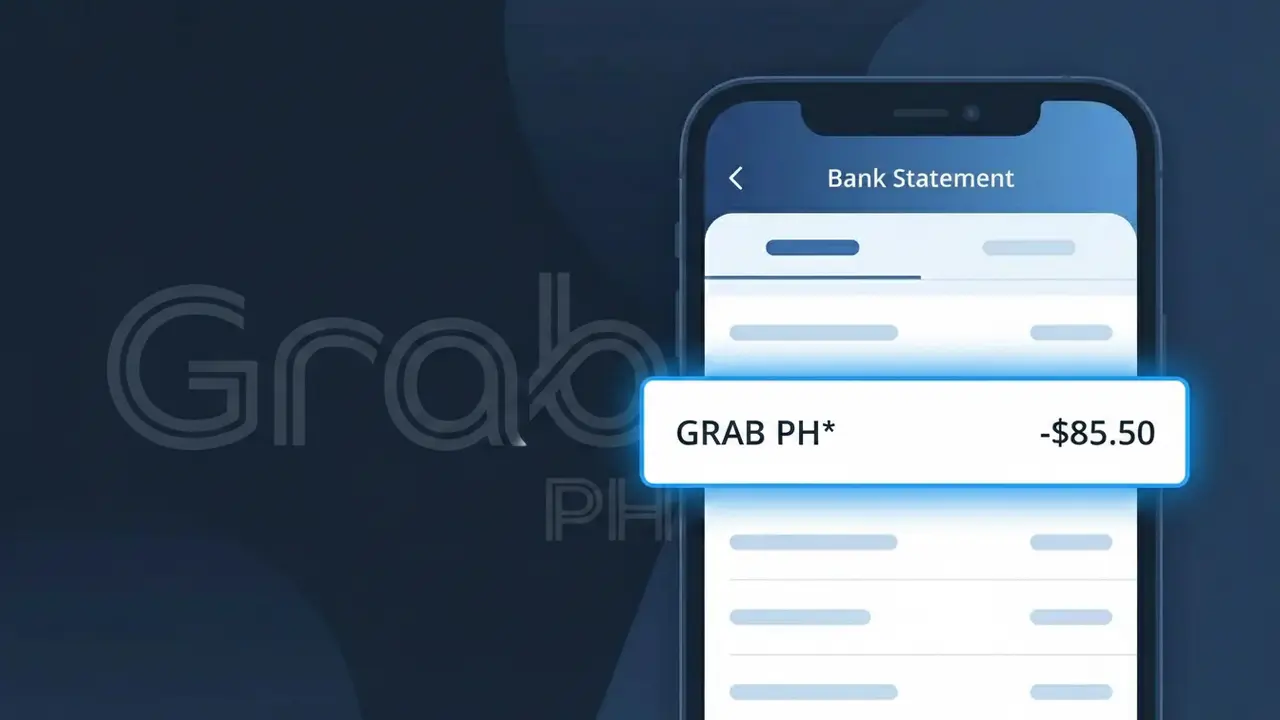
GRAB PH* Charge (What It Is + Is It Legit?)
✓ LegitimateThe "GRAB PH*" charge is from Grab Philippines. Grab superapp charge in Philippines. Includes ride-hailing, GrabFood, GrabMart, and GrabPay transactions.
Grab Philippines
Grab superapp charge in Philippines. Includes ride-hailing, GrabFood, GrabMart, and GrabPay transactions.
Category
Travel
Avg. Charge
150 PHP
Country
PH
Billing Cycle
One-time
Cancel At
help.grab.com/passenger/en-ph
Support
See website
Understanding this descriptor
Grab Philippines uses the truncated descriptor "GRAB PH*" on bank statements because payment processors impose strict character limits on transaction descriptions, typically capping them at 10 to 22 characters, which forces the company to abbreviate its regional entity name using the international country code "PH" for the Philippines. The asterisk following "PH" is a standard separator used by Grab's payment processing system to distinguish the brand prefix from any additional transaction detail, such as a reference number or service type, that may follow. Whether the charge stems from a ride-hailing trip, a GrabFood delivery, a GrabMart grocery order, or a GrabPay wallet top-up, all transactions from the Grab Philippines superapp will appear under this same shortened "GRAB PH*" descriptor on your bank statement.
Recommended actions
Check Your Grab Activity
Open the Grab app on your phone and review your recent transaction history. Match the GRAB PH* charge amount on your bank statement with any recent rides, GrabFood orders, GrabMart deliveries, or GrabPay payments made through Grab Philippines.
Review GrabPay Wallet History
If you use GrabPay, log into your Grab Philippines account and check your GrabPay wallet transaction history. Some GRAB PH* charges may reflect wallet top-ups or in-app payments that are easy to overlook.
Contact Grab Philippines Support
If the charge matches your activity, but you need an official receipt or have billing questions, visit help.grab.com/passenger/en-ph to reach Grab Philippines customer support and request clarification or documentation for the specific transaction.
Manage Your Grab Account Settings
To prevent unexpected future charges, visit grab.com/ph and review your saved payment methods, active subscriptions like GrabUnlimited, and any auto-pay settings tied to your bank card to ensure everything aligns with your intended usage.
ℹ️ International processing
This charge is processed in PH. You may see a foreign transaction fee from your bank (typically 1-3%).
Is this charge fraudulent?
No, this is a legitimate charge from Grab Philippines. However, if you did not authorize this charge or cancelled your subscription, you may be eligible for a refund.
Is the GRAB PH* Charge Legitimate or Fraud?
The GRAB PH* charge on your bank or credit card statement is almost always a legitimate transaction from Grab Philippines, one of Southeast Asia's largest super-app platforms offering ride-hailing, food delivery (GrabFood), and digital payments (GrabPay). This truncated billing descriptor is how Grab Philippines appears on financial statements processed through Philippine payment networks. Before assuming fraud, consider the following common reasons this charge appears:
- You booked a GrabCar, GrabBike, or other transport service through the Grab Philippines app
- You placed a GrabFood delivery order billed directly to your linked card
- You topped up your GrabPay wallet or made an in-app purchase via Grab Philippines
- A family member or friend used your card linked to their Grab Philippines account
How to Verify the GRAB PH* Charge
- 1
Check your Grab Philippines app
Open the Grab app and navigate to 'Activity' or 'My Rides/Orders' to find transactions matching the GRAB PH* charge date and amount on your statement.
- 2
Search your email for Grab Philippines receipts
Search your inbox for emails from 'no-reply@grab.com' or 'Grab Philippines' — every completed booking or order generates an automatic receipt with a full breakdown.
- 3
Check household members' Grab accounts
Ask family members if they used a shared card linked to their own Grab Philippines account, as GRAB PH* charges can originate from any linked user.
- 4
Review your GrabPay wallet activity
If you have a GrabPay wallet, check your transaction history in the app — automatic wallet top-ups from your card will also appear as GRAB PH* on your bank statement.
- 5
Contact your bank for details
Ask your bank for the full merchant ID behind the GRAB PH* descriptor. This can confirm whether the charge originated from Grab Philippines' official payment processor.
How to Dispute a GRAB PH* Charge
- 1
Act within 60 days of the charge
Most Philippine banks allow disputes within 60 days of the GRAB PH* charge appearing on your statement. Acting promptly protects your chargeback rights under Bangko Sentral ng Pilipinas guidelines.
- 2
Contact Grab Philippines support first
Reach out via the Grab app's Help Center or at grab.com/ph/support. Grab Philippines can often resolve billing errors or unauthorized GRAB PH* charges faster than a formal bank dispute.
- 3
File a chargeback with your bank
If Grab Philippines cannot resolve the issue, call your bank's disputes hotline and cite the specific GRAB PH* transaction date, amount, and that it is unauthorized or unrecognized.
- 4
Request a new card if fraud is suspected
If you believe your card details were stolen and used on Grab Philippines, ask your bank to cancel the compromised card and issue a new one to prevent further GRAB PH* charges.
Tips for Managing Grab Philippines Charges
Enable real-time bank alerts to catch any unexpected GRAB PH* charge the moment it posts.
Always cross-check GRAB PH* amounts against your Grab Philippines in-app activity history monthly.
Secure your Grab Philippines account with a strong password and two-factor authentication to prevent unauthorized charges.
If subscribed to GrabUnlimited, note its monthly renewal date so GRAB PH* subscription fees don't catch you off guard.
Only save cards on verified Grab Philippines accounts — never share your login to avoid fraudulent GRAB PH* charges.
Use WhatIsThisCharge.net to identify any related or unfamiliar charges appearing alongside GRAB PH* on your statement.
ℹ️ Note
In most cases, a GRAB PH* charge simply reflects a recent Grab Philippines ride, GrabFood order, or GrabPay wallet top-up — opening your Grab app and checking your activity history will almost always match the charge and put your mind at ease.
Common questions
Was this page helpful?
Community Reports (0)
0 votesNo votes yet — be the first to report on this charge!
Have you seen this charge? Help others by voting:
Community Comments (0)
No comments yet. Be the first to share your experience!
Share your experience
Your email is only used to verify your comment and will never be shown publicly.
Search Another Charge
Popular Charges
Smart Communications
SMART*
Globe Telecom
GLOBE*
Foodpanda Philippines
FOODPANDA PH*
Lazada Philippines
LAZADA PH*
Meralco
MERALCO
Need to dispute this charge?
Generate a professional dispute letter in seconds with our AI tool.
Open Charge AssistantCommunity Verified
Real user reports
Free to Use
Always free to check
Secure & Private
Your data is safe
Help Millions
48K+ charges identified