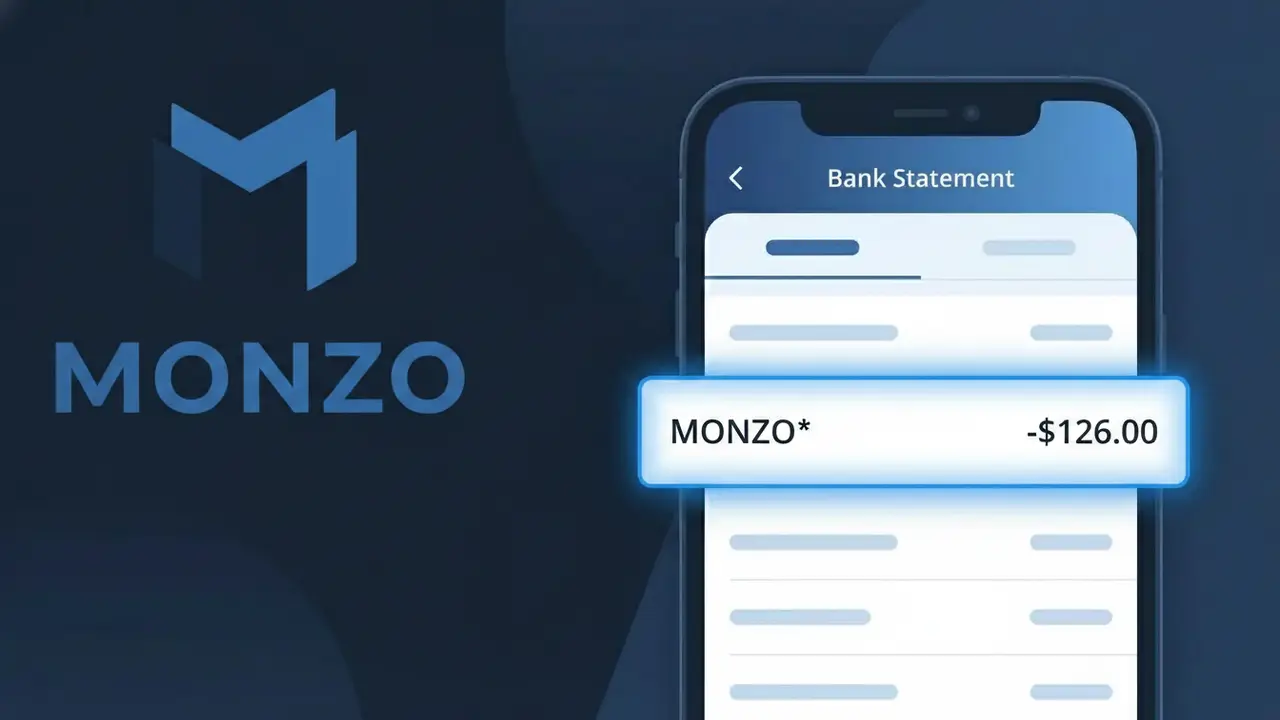
MONZO* Charge (What It Is + Is It Legit?)
✓ LegitimateThe "MONZO*" charge is from Monzo Bank. Monzo premium bank subscription.
Monzo Bank
Monzo premium bank subscription.
Category
Banking
Avg. Charge
£5.00
Country
GB
Billing Cycle
Monthly
Cancel At
monzo.com/settings
Support
See website
Understanding this descriptor
Monzo Bank uses the shortened descriptor "MONZO*" on bank statements because of how their internal payment processing system communicates transaction data to card networks like Visa and Mastercard, where character limits and formatting conventions often truncate or simplify merchant names. The asterisk following "MONZO" is a common delimiter used by payment processors to separate the merchant identifier from any additional reference data, such as a subscription tier or account identifier. If you spot this charge for around £5.00 on a monthly basis, it is almost certainly your Monzo premium subscription fee, such as Monzo Plus or Monzo Premium, billed directly through their own banking infrastructure.
Recommended actions
Confirm Your Monzo Subscription
Log in to your Monzo Bank account and check whether you are signed up for Monzo Premium or Monzo Plus. The MONZO* charge on your statement is directly linked to one of these paid subscription tiers offered by Monzo Bank.
Review the Charge Amount
Cross-reference the amount shown next to MONZO* on your statement with the current pricing for your Monzo Bank subscription plan. If the amount does not match your expected Monzo Premium or Monzo Plus fee, contact Monzo Bank support directly through the in-app chat at monzo.com.
Check Your Subscription Billing Date
Visit your Monzo Bank account settings to verify the recurring billing date for your subscription. This helps confirm that the MONZO* charge appeared at the correct time and is not a duplicate or unexpected additional charge from Monzo Bank.
Cancel If No Longer Needed
If you no longer want to be billed by Monzo Bank, you can manage or cancel your Monzo Premium or Monzo Plus subscription directly by visiting monzo.com/settings. From there you can downgrade to a free Monzo account and stop future MONZO* charges from appearing on your statement.
How to cancel Monzo Bank
Monzo Bank bills you Monthly. To stop future charges, cancel from your account directly.
Cancel at Monzo Bankℹ️ International processing
This charge is processed in GB. You may see a foreign transaction fee from your bank (typically 1-3%).
Is this charge fraudulent?
No, this is a legitimate charge from Monzo Bank. However, if you did not authorize this charge or cancelled your subscription, you may be eligible for a refund.
Is the MONZO* Charge Legitimate or Fraud?
A MONZO* charge on your bank statement is typically a legitimate transaction associated with Monzo Bank, a UK-based digital bank. This descriptor appears when Monzo processes account-related fees, card transactions, or transfers linked to your Monzo account. Common legitimate reasons you might see MONZO* include:
- Monzo Bank account fees, such as Monzo Plus or Monzo Premium subscription charges
- Card payment transactions made using your Monzo debit card at merchants
- Top-up or transfer transactions processed through the Monzo app
- Potential unauthorized use of your Monzo card details if the charge amount is unfamiliar
How to Verify the MONZO* Charge
- 1
Check your Monzo app
Log into your Monzo Bank app and navigate to the transaction feed. The MONZO* charge should appear with a detailed description, merchant name, and timestamp.
- 2
Search your email
Look for receipts or notification emails from Monzo Bank sent to your registered email address. Monzo typically sends instant transaction alerts for every charge processed.
- 3
Check household members
Ask family members or anyone who may share access to a linked Monzo Bank account or Monzo card whether they made a recent purchase that could show as MONZO*.
- 4
Review your Monzo subscriptions
Check if you are subscribed to Monzo Plus or Monzo Premium in the app under Account > Subscriptions, as monthly plan fees appear as MONZO* on external bank statements.
- 5
Contact Monzo Bank support
If you still cannot identify the MONZO* charge, reach out to Monzo Bank directly via in-app chat, available 24/7, and provide the exact charge amount and date for investigation.
How to Dispute a MONZO* Charge
- 1
Act within 60 days
Report the suspicious MONZO* charge as quickly as possible — ideally within 60 days of the transaction date — to preserve your right to a chargeback or dispute resolution.
- 2
Contact Monzo Bank first
Use the in-app chat on the Monzo Bank app to report the unrecognized MONZO* charge. Monzo's support team can often resolve disputes quickly and freeze the transaction while investigating.
- 3
File a chargeback
If the MONZO* charge appeared on an external bank or credit card statement, contact that card issuer to file a chargeback, providing the transaction date, amount, and any Monzo Bank correspondence.
- 4
Request a new card
If fraud is suspected on your Monzo Bank account, immediately freeze your Monzo card via the app and request a new card to prevent additional unauthorized MONZO* charges.
Tips for Managing Monzo Bank Charges
Enable instant Monzo app notifications so every MONZO* transaction is flagged in real time.
Review your Monzo Bank transaction feed weekly to catch any unexpected MONZO* charges early.
Secure your Monzo Bank account with a strong PIN and biometric login to prevent unauthorized MONZO* charges.
Note your Monzo Plus or Premium billing date so you can anticipate the recurring MONZO* subscription charge each month.
Use Monzo's card-freezing feature instantly if you spot a suspicious MONZO* charge you don't recognize.
Use WhatIsThisCharge.net to identify related charges that may appear alongside MONZO* on your statement.
ℹ️ Note
In most cases, a MONZO* charge is a completely normal transaction from Monzo Bank, often reflecting a subscription fee or a debit card purchase you made using your Monzo account. If the amount and date match your recent activity, there is no cause for concern.
Common questions
Was this page helpful?
Community Reports (0)
0 votesNo votes yet — be the first to report on this charge!
Have you seen this charge? Help others by voting:
Community Comments (0)
No comments yet. Be the first to share your experience!
Share your experience
Your email is only used to verify your comment and will never be shown publicly.
Search Another Charge
Popular Charges

Amazon UK
AMAZON UK*
OnlyFans
ONLYFANS*
Revolut
REVOLUT*
Just Eat
JUST EAT*
Sky TV / Sky Sports
SKY*SUBSCRIPTION
Related Charges
Need to dispute this charge?
Generate a professional dispute letter in seconds with our AI tool.
Open Charge AssistantCommunity Verified
Real user reports
Free to Use
Always free to check
Secure & Private
Your data is safe
Help Millions
48K+ charges identified