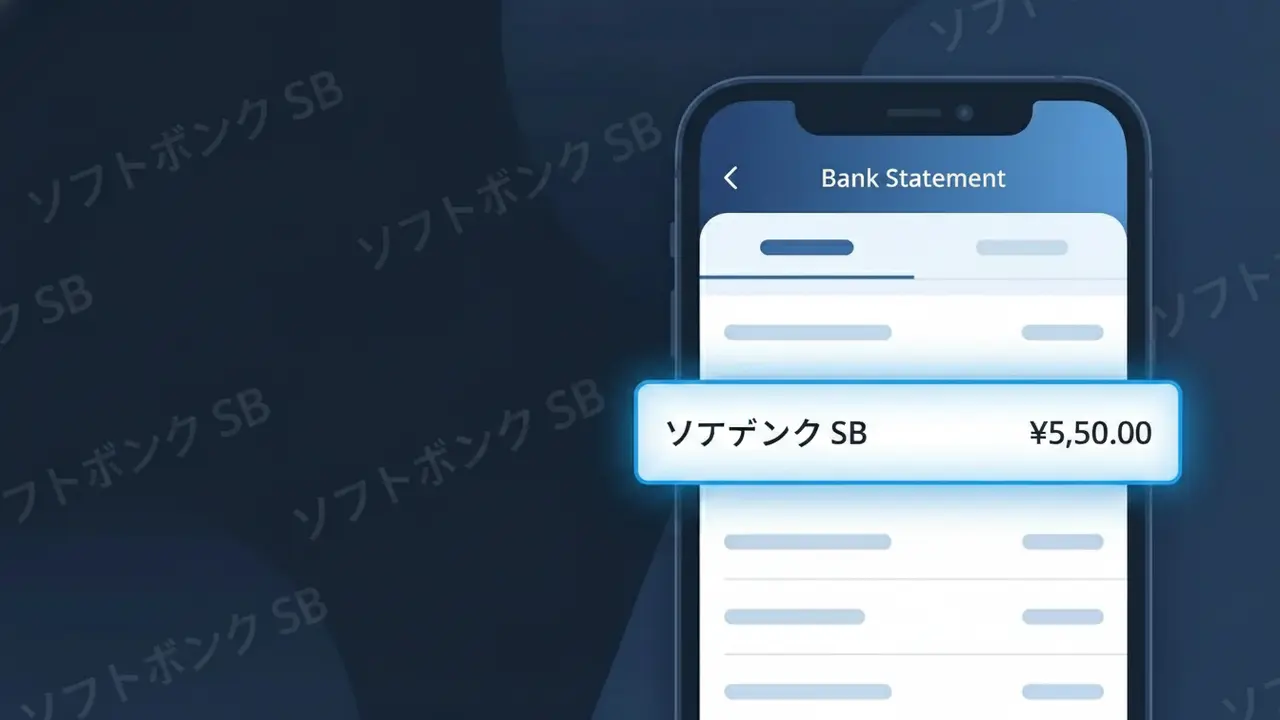
ソフトバンク SB Charge (What It Is + Is It Legit?)
✓ LegitimateThe "ソフトバンク SB" charge is from SoftBank Japan. SoftBank monthly mobile phone or internet bill.
SoftBank Japan
SoftBank monthly mobile phone or internet bill.
Category
Telecom
Avg. Charge
¥3000–¥10000
Country
JP
Billing Cycle
Monthly
Cancel At
softbank.jp
Support
See website
Why this shows on your statement
SoftBank Japan's billing system displays "ソフトバンク SB" on bank statements because Japanese payment processing infrastructure commonly uses native Japanese script for domestic transactions, and SoftBank's internal billing identifier combines the katakana rendering of their name with the abbreviated "SB" corporate shorthand used across their Japanese billing operations. The truncated descriptor reflects both character limitations imposed by Japanese banking statement systems and SoftBank's own standardized billing codes, which prioritize the localized katakana format over the romanized "SoftBank" branding for charges processed through domestic Japanese financial networks. If you recognize a monthly deduction between ¥3,000 and ¥10,000 labeled "ソフトバンク SB," it almost certainly corresponds to your SoftBank mobile phone plan or home internet service billed on their standard monthly cycle.
What should you do?
Confirm Your SoftBank Account
Log in to your SoftBank Japan account at softbank.jp and navigate to your billing section to verify that the ソフトバンク SB charge matches your current mobile phone or internet plan. Check the amount against your expected monthly bill.
Review Your SoftBank Usage Details
While logged in at softbank.jp, review your recent usage history and any add-on services or data overage fees that may explain the specific amount charged as ソフトバンク SB on your bank statement.
Contact SoftBank Japan Support
If the ソフトバンク SB charge amount looks unexpected or higher than usual, contact SoftBank Japan customer support directly through softbank.jp or call their helpline to request a detailed breakdown of your monthly invoice.
Manage or Cancel Your SoftBank Plan
If you no longer wish to continue your SoftBank Japan service and want to stop future ソフトバンク SB charges, visit softbank.jp to review cancellation or plan downgrade options, keeping in mind that SoftBank Japan may have early termination fees depending on your contract.
How to cancel SoftBank Japan
SoftBank Japan bills you Monthly. To stop future charges, cancel from your account directly.
Cancel at SoftBank Japanℹ️ International processing
This charge is processed in JP. You may see a foreign transaction fee from your bank (typically 1-3%).
Should you be worried?
No, this is a legitimate charge from SoftBank Japan. However, if you did not authorize this charge or cancelled your subscription, you may be eligible for a refund.
Is the ソフトバンク SB Charge Legitimate or Fraud?
The ソフトバンク SB charge appearing on your bank or credit card statement is almost certainly a legitimate billing from SoftBank Japan, one of Japan's largest telecommunications providers. SoftBank Japan commonly uses abbreviated descriptors like 'ソフトバンク SB' when processing payments through their billing systems. If you or someone in your household holds a SoftBank Japan mobile, home internet, or bundled service plan, this charge is expected and valid.
- SoftBank Japan uses 'ソフトバンク SB' as a standard shortened billing descriptor for telecom service charges
- The charge may cover monthly mobile plans, Y!mobile sub-brands, or SoftBank Hikari home internet services
- SoftBank Japan processes recurring monthly billing on a fixed cycle, which explains regular identical amounts
- Add-on services such as SoftBank TV, cloud storage, or device insurance can generate separate ソフトバンク SB line items
How to Verify the ソフトバンク SB Charge
- 1
Log into your SoftBank Japan account
Visit My SoftBank at softbank.jp and sign in to review your billing history. Your itemized invoice will show exactly what the ソフトバンク SB charge corresponds to, including plan fees and add-ons.
- 2
Search your email for SoftBank Japan receipts
Search your inbox for keywords like 'SoftBank', 'ソフトバンク', or 'SB' to locate monthly billing emails. SoftBank Japan sends electronic invoices that will match the amount on your statement.
- 3
Check with household or family plan members
SoftBank Japan offers family bundle plans where one card is billed for multiple lines. Ask family members whether they added a new line, upgraded a device, or enrolled in a service recently under a shared plan.
- 4
Review active SoftBank Japan subscriptions
Check for active add-ons in My SoftBank, including SoftBank TV, Manabi放題, or device protection plans. These subscriptions each generate individual ソフトバンク SB charges on your billing statement.
- 5
Contact your bank for transaction details
Ask your bank for the full merchant details behind the ソフトバンク SB charge, including the merchant ID and transaction date. This can help you cross-reference it with your SoftBank Japan account activity.
How to Dispute a ソフトバンク SB Charge
- 1
Act within 60 days of the charge
Most banks and credit card issuers require disputes to be filed within 60 days of the ソフトバンク SB charge appearing on your statement. Do not delay — gather your SoftBank Japan billing records immediately.
- 2
Contact SoftBank Japan customer support first
Call SoftBank Japan's customer service at 157 (from a SoftBank mobile) or 0800-919-0157 (toll-free). Explain the unexpected ソフトバンク SB charge and request a detailed breakdown or refund if applicable.
- 3
File a chargeback with your bank or card issuer
If SoftBank Japan cannot resolve the issue, contact your bank to initiate a formal chargeback for the ソフトバンク SB charge. Provide your correspondence with SoftBank Japan as supporting evidence for the dispute.
- 4
Request a new card number if fraud is suspected
If you do not have any SoftBank Japan account and cannot account for the ソフトバンク SB charge, request a card replacement immediately. Report the transaction as potential fraud to both your bank and SoftBank Japan.
Tips for Managing SoftBank Japan Charges
Enable billing alerts in My SoftBank so you're notified the moment a ソフトバンク SB charge is processed each month.
Download your SoftBank Japan monthly invoice as a PDF and save it for at least 12 months for easy charge reconciliation.
Keep your My SoftBank login credentials updated so you can quickly access account details whenever a ソフトバンク SB charge appears unexpectedly.
SoftBank Japan bills on a fixed monthly cycle — note your billing date to anticipate when ソフトバンク SB will appear on your statement.
Regularly audit your active SoftBank Japan add-ons and cancel unused services to avoid surprise ソフトバンク SB charges each month.
Use WhatIsThisCharge.net to identify related charges that may appear alongside ソフトバンク SB on your statement.
ℹ️ Note
Seeing ソフトバンク SB on your statement is typically nothing to worry about — it's simply how SoftBank Japan identifies their telecom billing charges when space is limited on bank descriptors. If the amount matches your monthly plan or a recent service activation, the charge is valid and expected.
Questions and answers
Was this page helpful?
Community Reports (0)
0 votesNo votes yet — be the first to report on this charge!
Have you seen this charge? Help others by voting:
Community Comments (0)
No comments yet. Be the first to share your experience!
Share your experience
Your email is only used to verify your comment and will never be shown publicly.
Search Another Charge
Popular Charges

Amazon Japan
AMAZON JP*
Rakuten Ichiba
楽天市場 RAKUTEN
NTT Docomo Japan
DOCOMO*
NTT Docomo
NTT DOCOMO
au (KDDI)
AU KDDI*
Related Charges
Need to dispute this charge?
Generate a professional dispute letter in seconds with our AI tool.
Open Charge AssistantCommunity Verified
Real user reports
Free to Use
Always free to check
Secure & Private
Your data is safe
Help Millions
48K+ charges identified