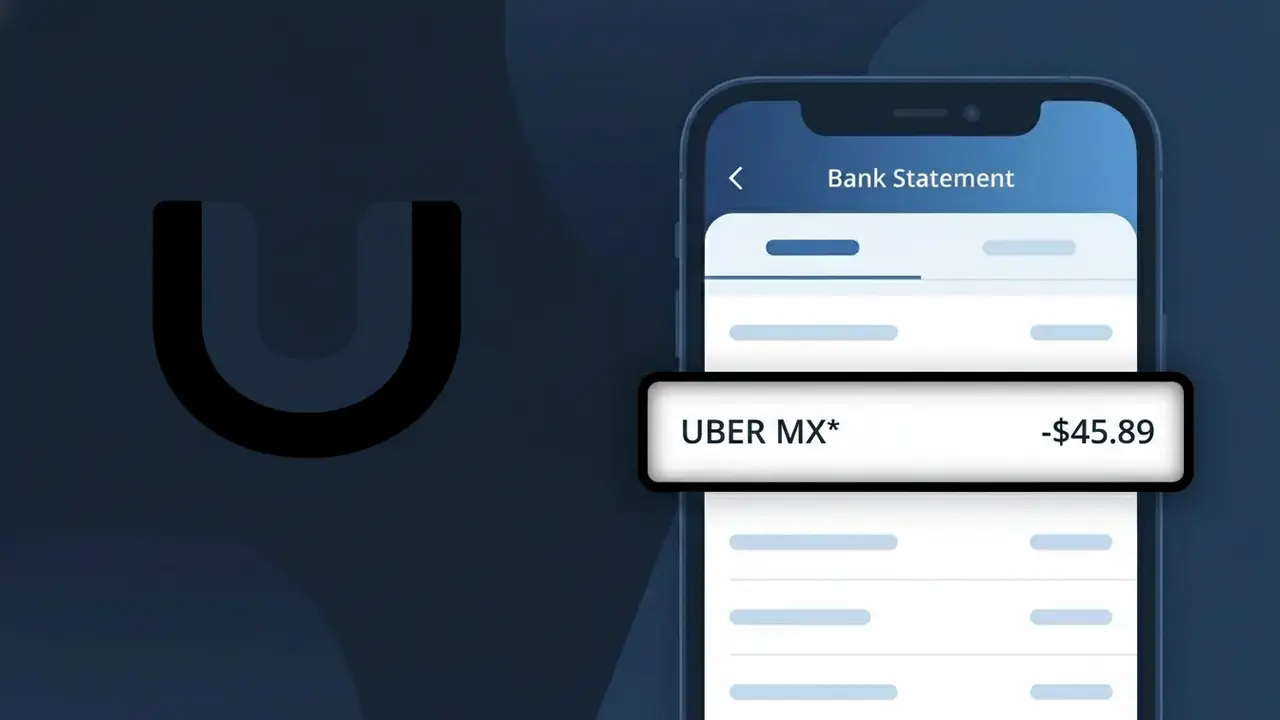
UBER MX* Charge (What It Is + Is It Legit?)
✓ LegitimateThe "UBER MX*" charge is from Uber Mexico. Uber ride Mexico.
Uber Mexico
Uber ride Mexico.
Category
Travel
Avg. Charge
$120 MXN
Country
MX
Billing Cycle
One-time
Cancel At
uber.com/account
Support
See website
Why this shows on your statement
When Uber processes ride payments in Mexico, the transaction is routed through Uber's regional Latin American billing system, which uses a condensed merchant code format that combines the brand name with the two-letter ISO country code for Mexico, resulting in "UBER MX*" rather than the full "Uber Mexico" label. The asterisk following the country code is a standard payment network formatting convention that separates the merchant identifier from any additional trip or transaction reference data your bank may display. If you recently took an Uber ride in Mexico and see a charge of around 120 MXN, this descriptor is the expected way Uber Mexico appears on your statement.
What should you do?
Check Your Uber Ride History
Log in to your Uber account at uber.com and navigate to your ride history to confirm whether a trip was taken in Mexico around the date the UBER MX* charge appeared on your statement. The charge will correspond to a completed Uber ride within Mexico.
Verify the Charge Amount
Compare the amount shown as UBER MX* on your bank statement against the fare listed in your Uber app ride receipt. Keep in mind that Uber Mexico charges are made in Mexican Pesos, so your bank may have applied a currency conversion rate that slightly alters the final amount shown.
Manage or Cancel Your Uber Mexico Rides
If you no longer plan to use Uber in Mexico or want to review your payment methods linked to the region, visit uber.com/account to manage your account settings, update payment preferences, or review any scheduled or recurring activity tied to Uber Mexico.
Contact Uber Support If Needed
If the UBER MX* charge does not match any ride you recognize in your history, reach out to Uber support directly through uber.com to report the discrepancy. Uber's support team can pull up transaction details specific to Mexico rides and help clarify or resolve any billing issues.
ℹ️ International processing
This charge is processed in MX. You may see a foreign transaction fee from your bank (typically 1-3%).
Should you be worried?
No, this is a legitimate charge from Uber Mexico. However, if you did not authorize this charge or cancelled your subscription, you may be eligible for a refund.
Is the UBER MX* Charge Legitimate or Fraud?
The UBER MX* charge on your bank or credit card statement is the official billing descriptor used by Uber Mexico for rides, Uber Eats food deliveries, and other services processed through their Mexican platform. This charge is most commonly legitimate, especially if you or someone in your household recently used Uber services while traveling in Mexico or through a Mexican Uber account. Common legitimate reasons you may see UBER MX* include:
- A rideshare trip completed through Uber Mexico in cities like Mexico City, Guadalajara, or Cancún
- An Uber Eats food delivery order placed via the Mexican Uber platform
- An Uber One or Uber Pass subscription billed by Uber Mexico
- A ride booked by a family member or friend using your saved payment method on their Uber Mexico account
How to Verify the UBER MX* Charge
- 1
Check your Uber Mexico account activity
Log into your Uber app and navigate to 'Your Trips' or 'Activity' to see if any rides or Eats orders match the UBER MX* charge date and amount.
- 2
Search your email for Uber Mexico receipts
Search your inbox for emails from uber.com or noreply@uber.com — Uber Mexico sends itemized receipts after every trip or order that will match the UBER MX* charge exactly.
- 3
Check if a household member used your card
Ask family or travel companions if they used your payment method on their own Uber Mexico account, as UBER MX* charges can originate from any linked profile.
- 4
Review your Uber Mexico subscriptions
Open the Uber app and go to Account > Uber One or Promotions to check for any active Mexican subscription plans that may be generating recurring UBER MX* charges.
- 5
Contact your bank for more details
If you still cannot identify the UBER MX* charge, call the number on the back of your card and ask for the full merchant name, transaction location, and any additional identifiers.
How to Dispute a UBER MX* Charge
- 1
Act within 60 days of the charge
Most banks require you to dispute an unrecognized UBER MX* charge within 60 days of your statement date — act quickly to preserve your chargeback rights.
- 2
Contact Uber Mexico support first
Visit help.uber.com or use the Uber app's Help section to report the unrecognized UBER MX* charge directly — Uber Mexico can often issue a refund faster than a bank dispute.
- 3
File a chargeback with your bank
If Uber Mexico does not resolve the issue, contact your bank or card issuer and cite the UBER MX* charge as unauthorized — provide your email receipts or lack thereof as evidence.
- 4
Request a new card if fraud is suspected
If you believe your card details were stolen and used for fraudulent UBER MX* charges, ask your bank to cancel your card and issue a replacement to prevent further unauthorized transactions.
Tips for Managing Uber Mexico Charges
Enable Uber app push notifications so you get an instant alert every time an UBER MX* charge is processed on your account.
Save all Uber Mexico email receipts in a dedicated folder so you can quickly match them to any UBER MX* bank statement entries.
Secure your Uber Mexico account with a strong, unique password and enable two-factor authentication to prevent unauthorized UBER MX* charges.
Note your Uber One Mexico renewal date so recurring UBER MX* subscription charges never appear unexpectedly on your statement.
Use a travel credit card with fraud protection when paying for Uber Mexico rides to get added dispute coverage on any UBER MX* charge.
Use WhatIsThisCharge.net to identify related charges like UBER* EATS or UBER TRIP that may also appear alongside UBER MX* on your statement.
ℹ️ Note
In most cases, an UBER MX* charge is a completely legitimate transaction from Uber Mexico — likely a ride or Eats order during a recent trip to Mexico. A quick check of your Uber app activity or email receipts will almost always explain the charge within seconds.
Questions and answers
Was this page helpful?
Community Reports (0)
0 votesNo votes yet — be the first to report on this charge!
Have you seen this charge? Help others by voting:
Community Comments (0)
No comments yet. Be the first to share your experience!
Share your experience
Your email is only used to verify your comment and will never be shown publicly.
Search Another Charge
Popular Charges
Mercado Libre
MERCADO LIBRE*
Netflix Mexico
NETFLIX MX*
Izzi Telecom
IZZI*
Rappi Mexico
RAPPI MX*

Amazon Mexico
AMZN MKTP MX
Need to dispute this charge?
Generate a professional dispute letter in seconds with our AI tool.
Open Charge AssistantCommunity Verified
Real user reports
Free to Use
Always free to check
Secure & Private
Your data is safe
Help Millions
48K+ charges identified