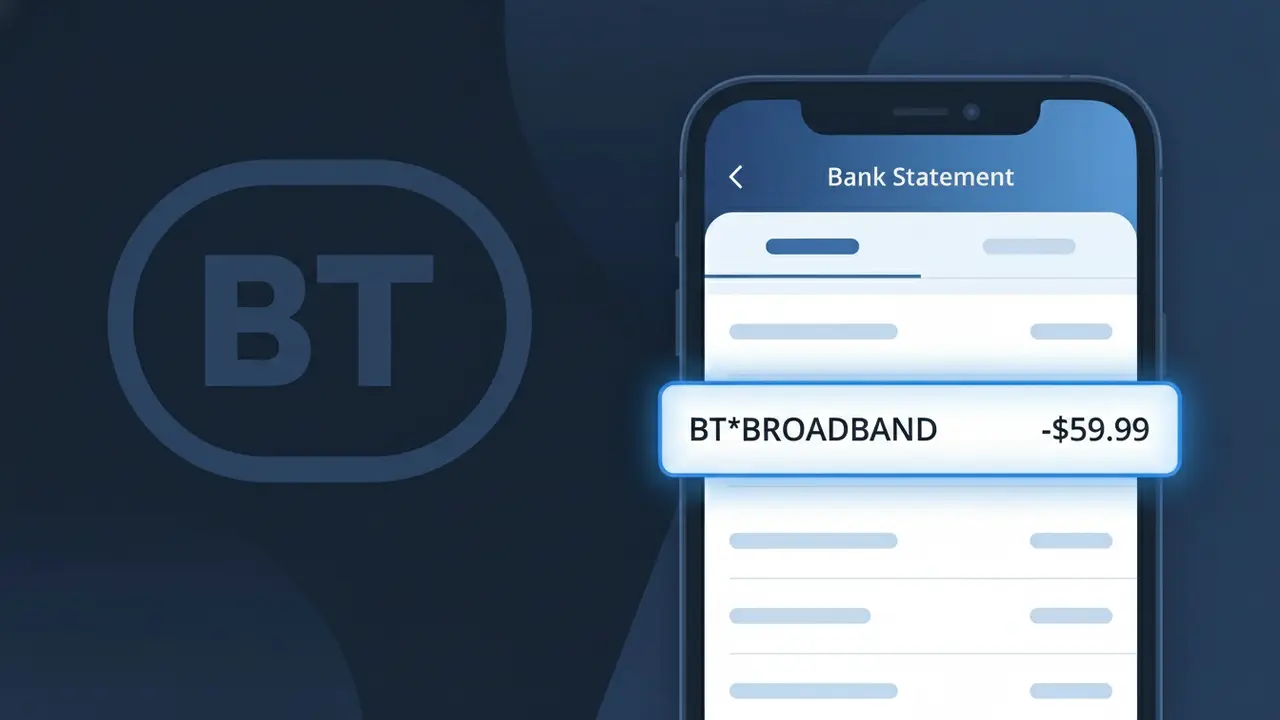
BT*BROADBAND Charge (What It Is + Is It Legit?)
✓ LegitimateThe "BT*BROADBAND" charge is from BT Broadband. BT internet and broadband monthly bill.
BT Broadband
BT internet and broadband monthly bill.
Category
Telecom
Avg. Charge
£35.00
Country
GB
Billing Cycle
Monthly
Cancel At
bt.com/account
Support
See website
What is this charge?
When BT Broadband processes your monthly internet bill, the payment is routed through their automated billing system, which uses the shortened descriptor BT*BROADBAND to identify the transaction at the point of processing. The asterisk format is a standard convention used by BT's payment infrastructure to separate the brand identifier from the service type, keeping the descriptor compact enough to fit within the character limits imposed by UK card networks and bank statement display systems. If you pay around £35.00 each month for your home broadband service and see BT*BROADBAND on your statement, this is simply how BT's billing platform represents the charge rather than the full company name.
How to handle this charge
Verify your BT Broadband plan
Log in to your BT account at bt.com and check your active broadband plan to confirm the amount charged as BT*BROADBAND matches your current monthly subscription rate.
Review your BT billing history
Visit bt.com/account and navigate to your billing section to compare past BT*BROADBAND charges and ensure there are no unexpected price increases or duplicate charges on your statement.
Check your BT contract renewal date
While logged in at bt.com/account, review your BT Broadband contract details to see if a recent plan renewal or upgrade could explain any change in the BT*BROADBAND charge amount.
Manage or cancel your BT Broadband subscription
If you no longer need the service or want to change your plan, visit bt.com/account to update your BT Broadband subscription, adjust your package, or initiate a cancellation to stop future BT*BROADBAND charges.
How to cancel BT Broadband
BT Broadband bills you Monthly. To stop future charges, cancel from your account directly.
Cancel at BT Broadbandℹ️ International processing
This charge is processed in GB. You may see a foreign transaction fee from your bank (typically 1-3%).
Quick fraud check
No, this is a legitimate charge from BT Broadband. However, if you did not authorize this charge or cancelled your subscription, you may be eligible for a refund.
ℹ️ Note
In most cases, seeing "BT*BROADBAND" on your statement is completely normal. Before assuming fraud, check your recent purchases — most mystery charges have a simple explanation.
Is the BT*BROADBAND Charge Legitimate or Fraud?
The BT*BROADBAND charge on your bank or credit card statement is almost always a legitimate billing from BT (British Telecom), one of the UK's largest broadband and telecommunications providers. This charge typically appears when BT processes your monthly broadband subscription payment and uses the merchant descriptor BT*BROADBAND to identify the transaction.
Common reasons you may see a BT*BROADBAND charge include:
- Your regular monthly BT broadband subscription fee being billed automatically
- A one-off payment for a BT broadband package upgrade or add-on service
- A reconnection or setup fee charged at the start of a new BT broadband contract
- A mid-contract price adjustment or annual price increase applied by BT
If you do not recognise the BT*BROADBAND charge, it is worth checking whether a family member or housemate has signed up to a BT broadband plan using your payment details before assuming it is fraudulent.
How to Verify the BT*BROADBAND Charge
- 1
Log into your BT account
Visit bt.com and sign in to My BT. Navigate to 'Bills & Payments' to see if a BT*BROADBAND charge matches your latest invoice amount and billing date.
- 2
Search your email inbox
Search for emails from bt.com or no-reply@bt.com. BT sends monthly billing confirmation emails that will match the BT*BROADBAND amount on your statement.
- 3
Check with household members
Ask family members or housemates whether they set up a BT broadband account using your bank card, as BT*BROADBAND charges can appear unexpectedly for shared households.
- 4
Review your BT contract start date
If you recently signed up to a BT broadband plan, an initial BT*BROADBAND charge may appear shortly after activation, sometimes before your first paper bill arrives.
- 5
Contact your bank
If you still cannot identify the BT*BROADBAND charge, ask your bank for the full merchant details, including the registered address and transaction reference linked to the charge.
How to Dispute a BT*BROADBAND Charge
- 1
Act within 60 days
Report an unrecognised BT*BROADBAND charge to your bank as soon as possible. Most banks require disputes to be raised within 60 days of the charge appearing on your statement.
- 2
Contact BT directly first
Call BT customer service on 0800 800 150 or use the BT online chat. Explain the BT*BROADBAND charge and request a full breakdown or refund if it was applied in error.
- 3
File a chargeback with your bank
If BT does not resolve the issue, contact your bank or card provider to initiate a chargeback for the BT*BROADBAND transaction, providing any correspondence with BT as evidence.
- 4
Request a new card number
If you suspect your card details were used fraudulently to set up a BT broadband account, ask your bank to issue a new card number to prevent further BT*BROADBAND charges.
Tips for Managing BT*BROADBAND Charges
Set a bank alert for BT*BROADBAND transactions so you are notified the moment each monthly charge is processed.
Download your BT bills monthly from My BT and cross-check them against BT*BROADBAND charges on your statement.
Keep your My BT account login secure and enable two-factor authentication to prevent unauthorised changes to your payment details.
Note your BT billing date so you can anticipate when the BT*BROADBAND charge will appear and avoid confusing it with other payments.
If you cancel BT broadband, confirm in writing that no further BT*BROADBAND charges will be taken after your final bill.
Use WhatIsThisCharge.net to identify related charges from BT or similar telecoms providers on your statement.
Frequently Asked Questions
Was this page helpful?
Community Reports (0)
0 votesNo votes yet — be the first to report on this charge!
Have you seen this charge? Help others by voting:
Community Comments (0)
No comments yet. Be the first to share your experience!
Share your experience
Your email is only used to verify your comment and will never be shown publicly.
Search Another Charge
Popular Charges

Amazon UK
AMAZON UK*
OnlyFans
ONLYFANS*
Revolut
REVOLUT*
Just Eat
JUST EAT*
Sky TV / Sky Sports
SKY*SUBSCRIPTION
Related Charges
Need to dispute this charge?
Generate a professional dispute letter in seconds with our AI tool.
Open Charge AssistantCommunity Verified
Real user reports
Free to Use
Always free to check
Secure & Private
Your data is safe
Help Millions
48K+ charges identified