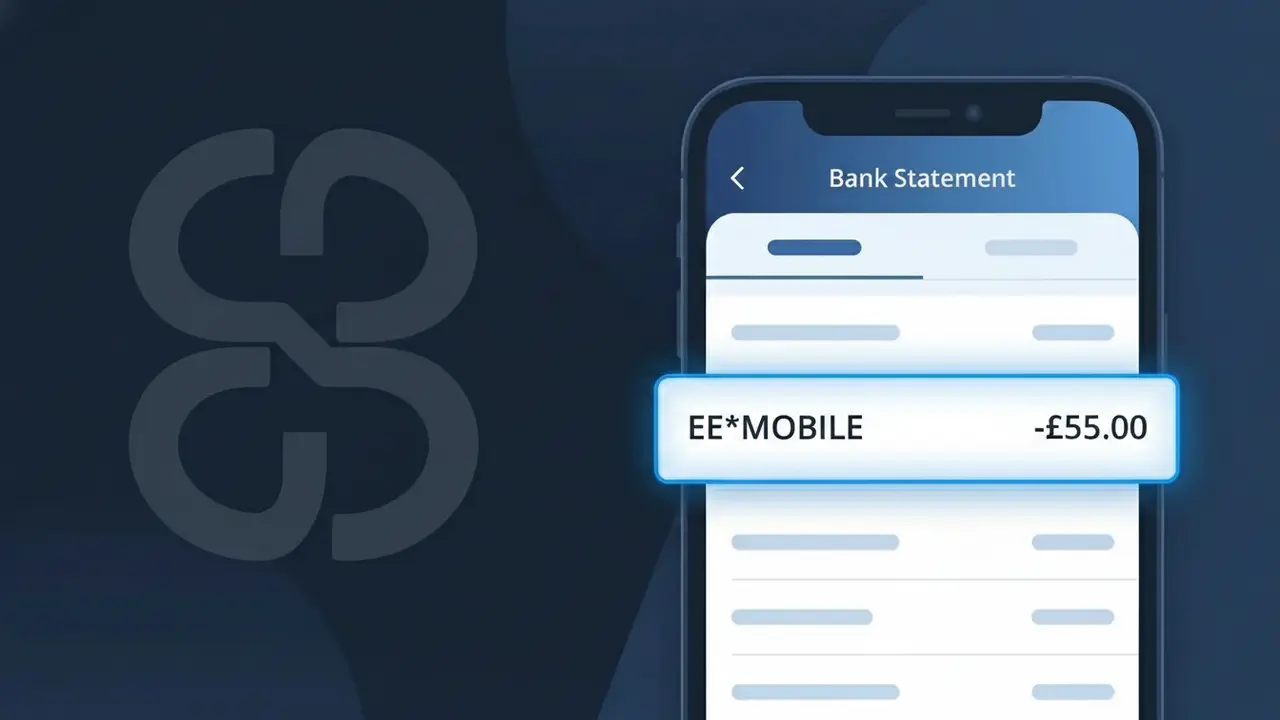
EE*MOBILE Charge (What It Is + Is It Legit?)
✓ LegitimateThe "EE*MOBILE" charge is from EE Mobile. EE mobile phone monthly bill.
EE Mobile
EE mobile phone monthly bill.
Category
Telecom
Avg. Charge
£30.00
Country
GB
Billing Cycle
Monthly
Cancel At
ee.co.uk/account
Support
See website
Understanding this descriptor
EE Mobile uses the shortened descriptor "EE*MOBILE" on bank statements because their billing system truncates the company name to fit within the character limits imposed by card payment networks like Visa and Mastercard, which typically cap merchant descriptors at 22 characters. The asterisk in "EE*MOBILE" is a standard formatting convention used by payment processors to separate the merchant's brand identifier from a sub-descriptor, helping to categorise the charge type within their billing infrastructure. If you see "EE*MOBILE" on your statement for around £30.00 on a recurring monthly basis, it is almost certainly your regular EE Mobile phone contract payment.
Recommended actions
Confirm your EE Mobile plan
Log in to your EE account at ee.co.uk and check your active mobile plan details. The EE*MOBILE charge on your statement should match your expected monthly bill amount for your current EE Mobile contract or pay monthly plan.
Review your EE Mobile billing history
Once logged in at ee.co.uk/account, navigate to your billing section to view past invoices. Cross-reference the EE*MOBILE charge date and amount against your EE Mobile billing cycle to confirm everything lines up correctly.
Check for any EE Mobile plan changes
If the EE*MOBILE charge amount looks different than usual, check your EE account at ee.co.uk for any recent upgrades, add-ons, or out-of-allowance usage such as roaming or extra data that may have altered your monthly EE Mobile bill.
Manage or cancel your EE Mobile subscription
If you no longer wish to continue with your EE Mobile plan or want to adjust it, visit ee.co.uk/account to manage your subscription. From there you can review contract end dates, make changes to your plan, or contact EE Mobile support to discuss your cancellation options.
How to cancel EE Mobile
EE Mobile bills you Monthly. To stop future charges, cancel from your account directly.
Cancel at EE Mobileℹ️ International processing
This charge is processed in GB. You may see a foreign transaction fee from your bank (typically 1-3%).
Is this charge fraudulent?
No, this is a legitimate charge from EE Mobile. However, if you did not authorize this charge or cancelled your subscription, you may be eligible for a refund.
Is the EE*MOBILE Charge Legitimate or Fraud?
The EE*MOBILE charge on your bank or credit card statement is almost always a legitimate billing from EE Mobile, one of the UK's largest mobile network operators. This descriptor appears when EE Mobile processes a payment for monthly plans, data add-ons, device repayments, or roaming charges. Here are the most common reasons you might see this charge:
- Monthly mobile phone plan or SIM-only contract billed by EE Mobile
- One-off data bolt-on or international roaming package purchased through EE Mobile
- Device repayment instalment as part of an EE Mobile handset contract
- Charge for an additional EE Mobile line added to a family or business account
How to Verify the EE*MOBILE Charge
- 1
Log into your EE Mobile account
Visit ee.co.uk or open the My EE app and check your billing history. The EE*MOBILE charge amount should match an invoice in your account dashboard.
- 2
Search your email for EE Mobile receipts
Search your inbox for emails from EE Mobile or noreply@ee.co.uk. EE typically sends a bill notification each month that matches the EE*MOBILE charge date.
- 3
Check if a household member used your card
If your payment card is saved in a shared EE Mobile family account, another member may have purchased an add-on or bolt-on that triggered the EE*MOBILE charge.
- 4
Review any recent EE Mobile add-ons
Check whether you recently added roaming, extra data, or a device upgrade through EE Mobile, as these often generate a separate EE*MOBILE transaction.
- 5
Contact your bank for transaction details
Ask your bank for the full merchant descriptor and date of the EE*MOBILE charge. This information can help you pinpoint exactly which EE Mobile service was billed.
How to Dispute an EE*MOBILE Charge
- 1
Act within 60 days
Most banks require you to raise a dispute within 60 days of the EE*MOBILE charge appearing on your statement, so act promptly to protect your rights.
- 2
Contact EE Mobile customer service first
Call EE Mobile on 150 (from an EE phone) or 0800 079 8586. Explain the unexpected EE*MOBILE charge — EE can often resolve billing errors or issue refunds directly.
- 3
File a chargeback with your bank
If EE Mobile cannot resolve the issue, contact your bank or card provider to file a chargeback for the EE*MOBILE transaction, providing any correspondence with EE as evidence.
- 4
Request a new card if fraud is suspected
If you believe the EE*MOBILE charge is genuinely fraudulent and you have no EE Mobile account, ask your bank to cancel your card and issue a replacement to prevent further unauthorised charges.
Tips for Managing EE Mobile Charges
Enable spending alerts in the My EE app so you're notified immediately when an EE*MOBILE charge is processed.
Download your EE Mobile bill each month and cross-reference it with the EE*MOBILE entry on your bank statement.
Keep your My EE account login up to date so you can quickly verify any unexpected EE*MOBILE charges online.
Note your EE Mobile billing date — EE typically charges on the same day each month, so plan for the EE*MOBILE debit accordingly.
If you cancel an EE Mobile plan, confirm in writing and watch for any final EE*MOBILE charges for outstanding balances.
Use WhatIsThisCharge.net to identify any other related or unfamiliar charges appearing alongside EE*MOBILE.
ℹ️ Note
In most cases, the EE*MOBILE charge is nothing to worry about — it's simply EE Mobile collecting payment for your monthly mobile plan or a recent add-on you purchased. A quick check of your My EE account or email receipts will usually confirm the charge within minutes.
Common questions
Was this page helpful?
Community Reports (0)
0 votesNo votes yet — be the first to report on this charge!
Have you seen this charge? Help others by voting:
Community Comments (0)
No comments yet. Be the first to share your experience!
Share your experience
Your email is only used to verify your comment and will never be shown publicly.
Search Another Charge
Popular Charges

Amazon UK
AMAZON UK*
OnlyFans
ONLYFANS*
Revolut
REVOLUT*
Just Eat
JUST EAT*
Sky TV / Sky Sports
SKY*SUBSCRIPTION
Related Charges
Need to dispute this charge?
Generate a professional dispute letter in seconds with our AI tool.
Open Charge AssistantCommunity Verified
Real user reports
Free to Use
Always free to check
Secure & Private
Your data is safe
Help Millions
48K+ charges identified